
Receipts and documents · Step 4 of 6
Correct an issued receipt without deleting it or breaking the numbering.
Sometimes an issued receipt is wrong: the amount, the date, the donor's name. You do not edit it and you certainly do not delete it.
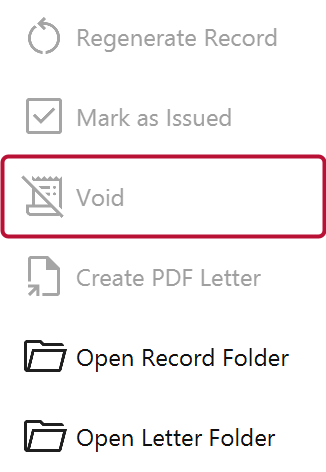
Select the receipt and click Void. The receipt stays, marked voided, keeping its number.
Correct the underlying record, generate a new document and issue it. The replacement records what it supersedes, so the chain from the wrong document to the right one is explicit.
Because the donor already has the original. A receipt that vanishes from your records but exists in someone's filing cabinet is worse than one marked voided, and a hole in a numbered sequence is exactly the thing an auditor asks about.
Voiding also writes to the audit log, so the correction is attributable later. See Read the audit log.