
Receipts and documents · Step 3 of 6
Commit a draft receipt, assigning its sequential number.
Generating produces a draft. Issuing commits it.
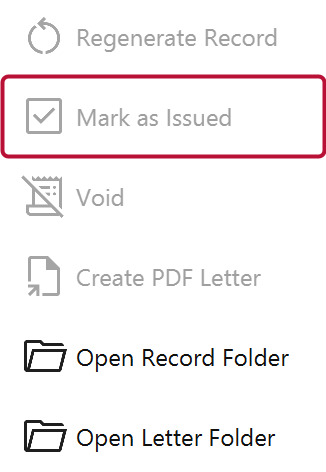
Select the receipts and click Mark as Issued. Each takes the next number in the series.
A draft is a document you can look at, regenerate and throw away. Once issued, the receipt has a number, and that number is the donor's reference. From that point:
The gap between generating and issuing is your chance to check the document before it becomes the donor's official record.
Receipts and acknowledgments run in separate series, each per year. Numbers are claimed in order and never reused, so the series stays continuous and gaps are meaningful.