
Data safety · Step 4 of 4
See the permanent record of every change made in Mich, and export it.
Mich keeps a permanent record of everything consequential that happens to your data.
Go to About, then the Audit tab.
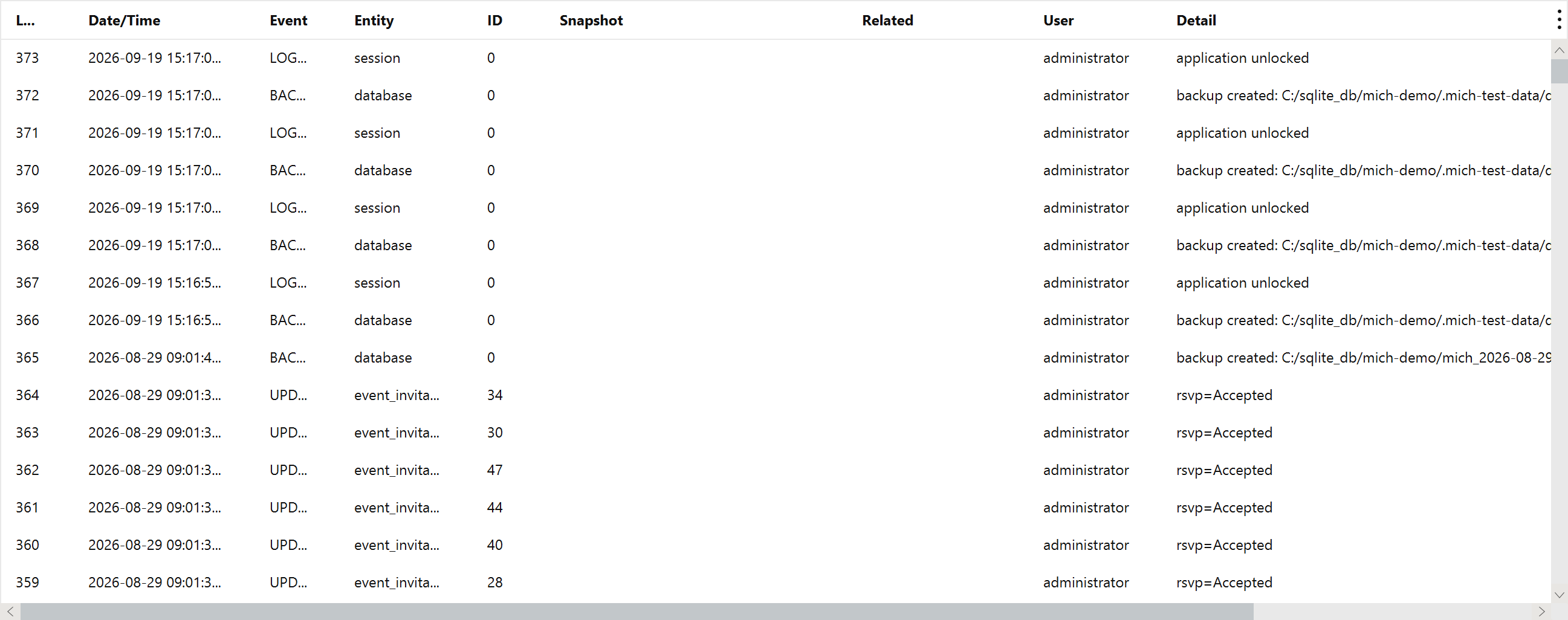
| Event | Covers |
|---|---|
| Create, Update, Delete | Records and reference values |
| Issue, Void | Receipts |
| Generate | A document produced |
| Email sent, failed, delivery | Communications and their outcomes |
| Config | A settings change |
| Backup, Restore, Password | Data-management operations |
| License, Login, Reset | System events |
That is the whole point. A log you can tidy up proves nothing. This one is read-only from inside the application, which is what makes it worth having when you need to show what happened and when.
Two things it deliberately does not do:

Export CSV writes the log to a file for an accountant, an auditor, or your own records.