Features
Mich covers the whole giving lifecycle — from the first gift to the year-end receipt — in one private desktop app.
Home dashboard
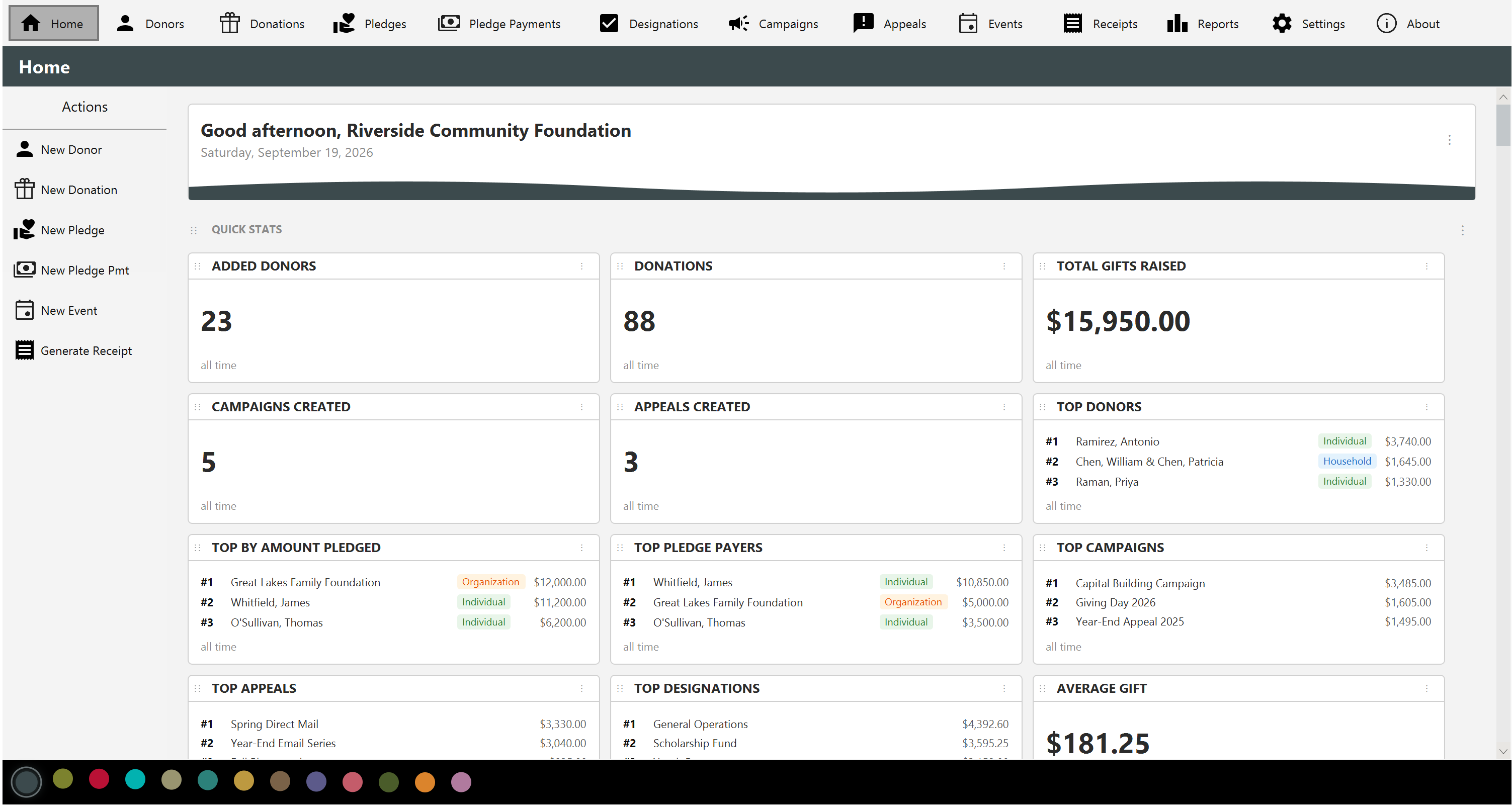
A customizable home screen greets you with KPI cards — total raised, donor and donation counts, average and largest gift, in-kind totals, retention, lapsed and first-time donors, pledge fulfillment, and more.
Recent-activity tables, monthly trend and pipeline charts, pie charts, and active campaigns round out the picture. Show, hide, and reorder every section to taste.
Donors
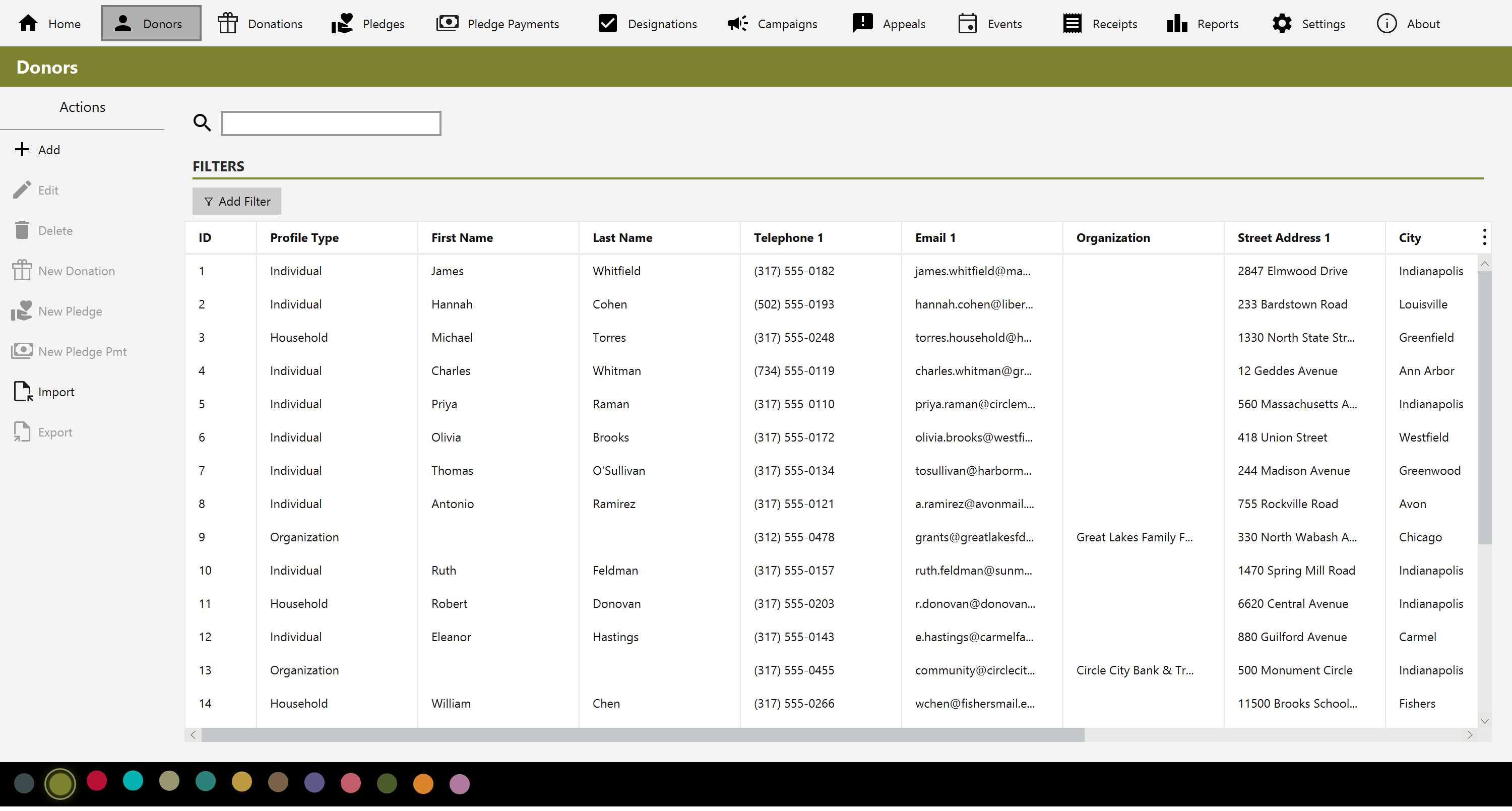
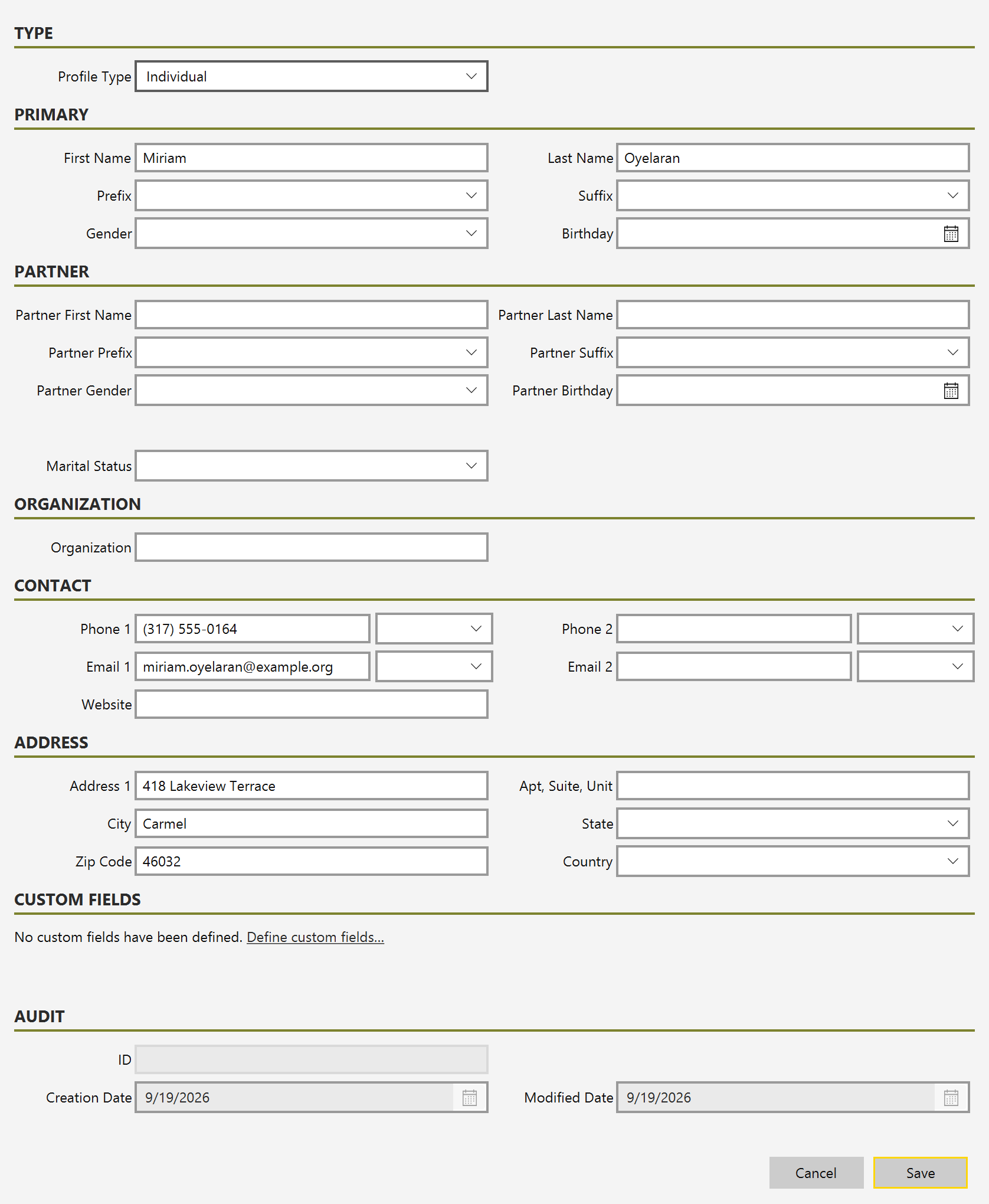
Keep contact details, mailing addresses, and the complete giving history for every donor in one place — as an individual, a household with both partners named on one record, or an organization. Built-in address validation helps keep your mailing list clean, and fast search and filtering find anyone in seconds.
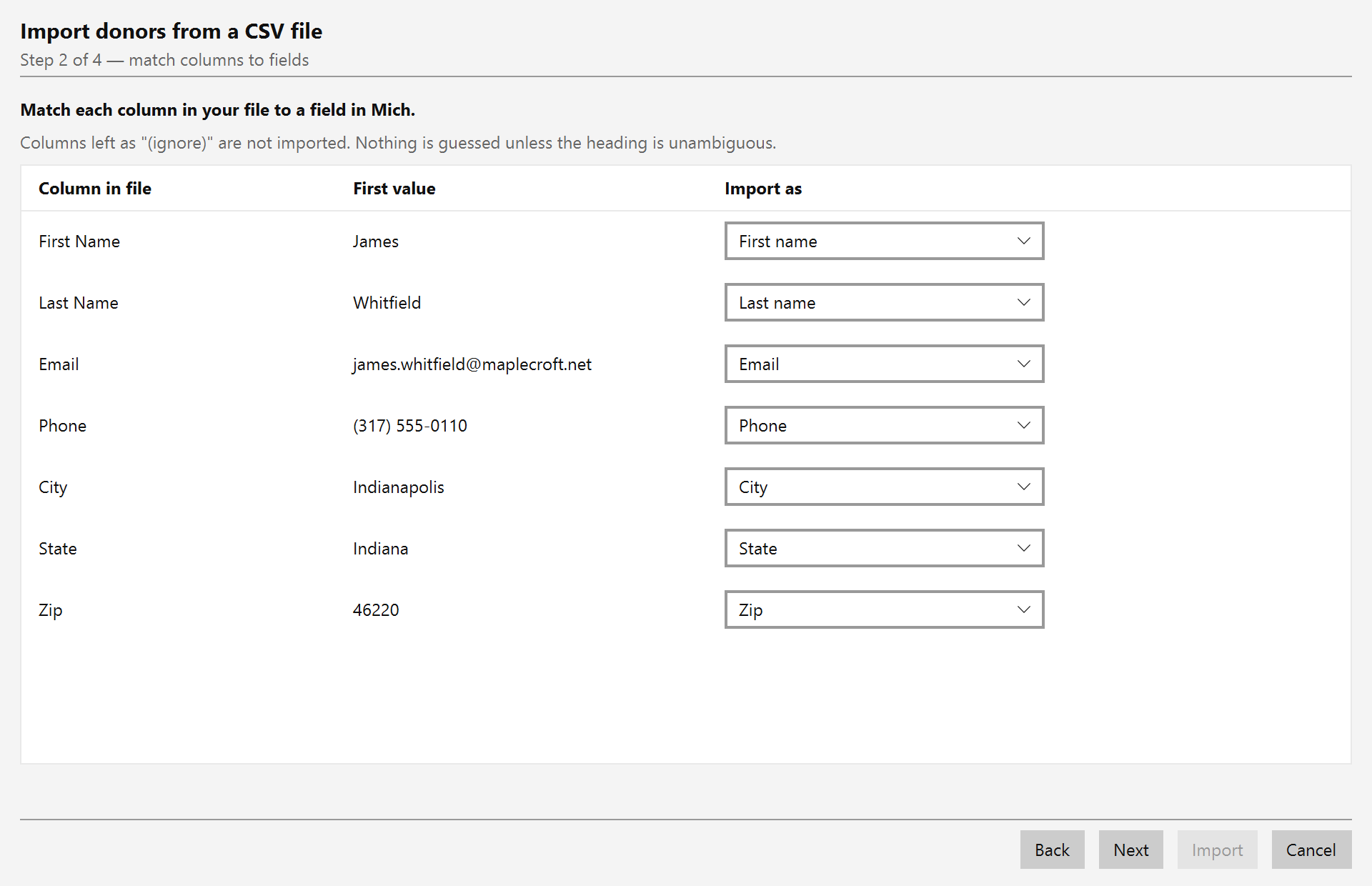
Bring your list in from a CSV file — the format Excel, Google Sheets and
most donor systems export — matching each column to a field as you go, or from a
vCard (.vcf) exported from Outlook, Apple Contacts, Google
Contacts or your phone. Export your donors back out to vCard whenever you like. Your list
is a file you hold, not a table you're locked into.
Donations
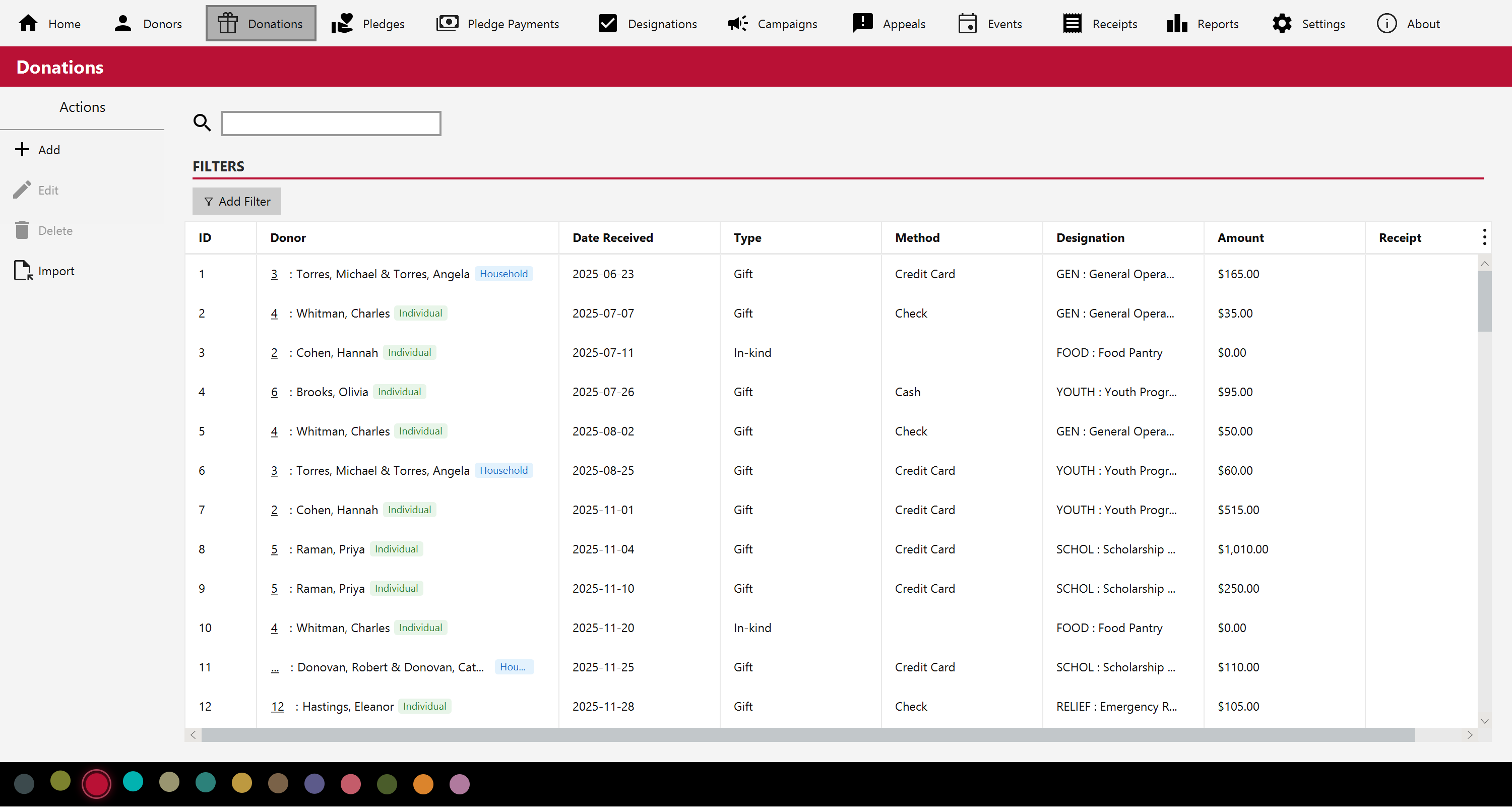
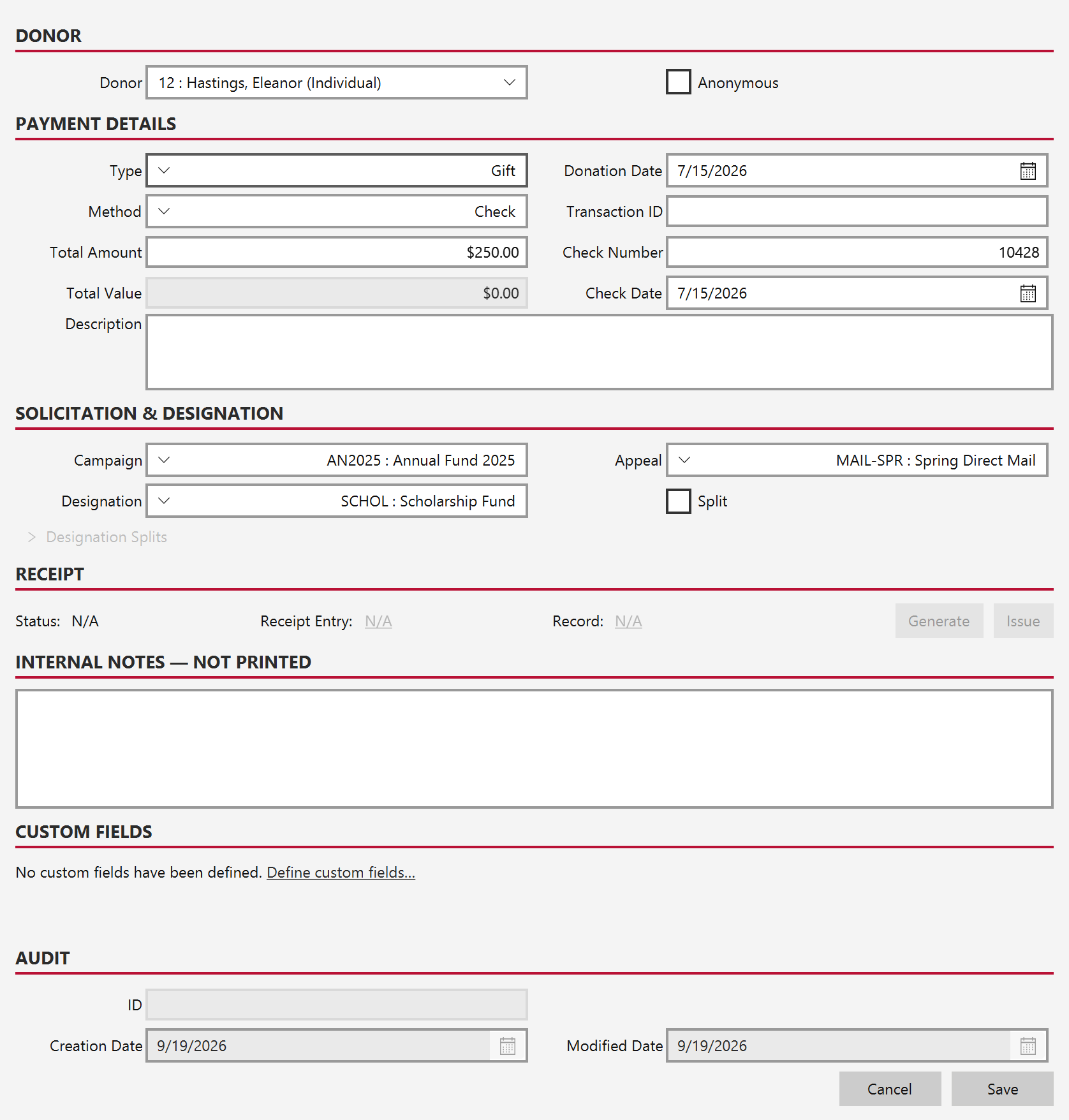
Log gifts with their type, method (cash, check with number and date, or in-kind), date, and designation. Amounts are handled with proper currency precision — no floating-point surprises — and a single gift can be split across multiple funds.
Importing
Moving from Excel, Google Sheets or another donor system? Save it as CSV and Mich imports your donors and donations, in-kind gifts included. A wizard matches each column to a field, guessing the obvious ones and leaving anything ambiguous alone rather than filing it somewhere it may not belong.
It shows you every row before writing a single one, takes a backup first, and the whole import can be undone. A donor already on file is matched rather than duplicated, and re-importing the same file creates nothing — Mich recognizes rows by what they say, so a re-export with rows added or reordered still knows what it has seen.
Funds, campaigns, appeals and drop-down values are matched against what you already have and listed once each, so Bldg Fund and Building Fund do not become two funds that split every report. Gifts your old system already receipted can be marked as such on the way in, so a year of history does not queue up asking to be receipted again.
Pledges
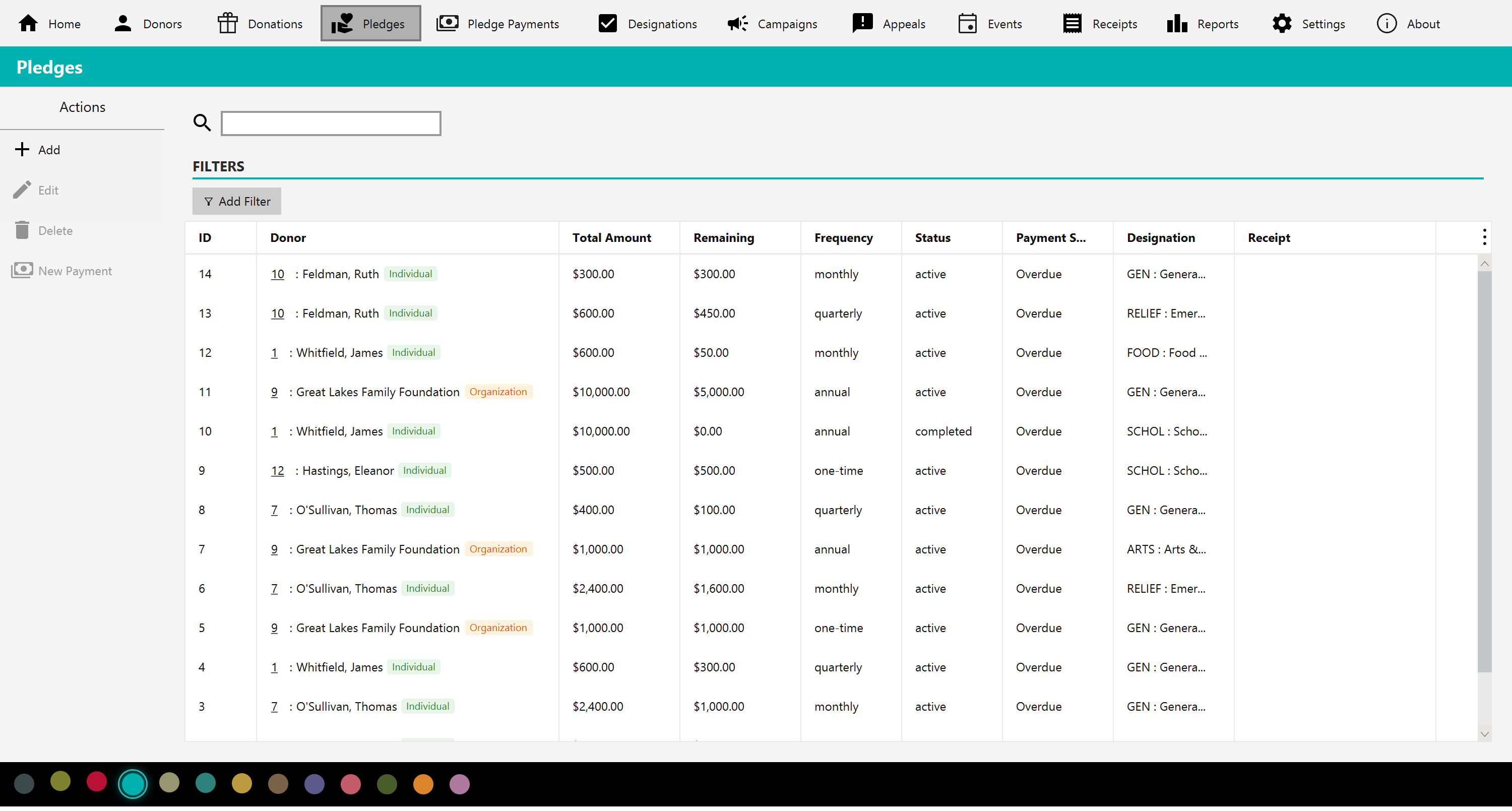
Manage multi-installment pledges by frequency and status, watch outstanding balances, and send acknowledgments. Mich keeps pledges and the payments against them connected.
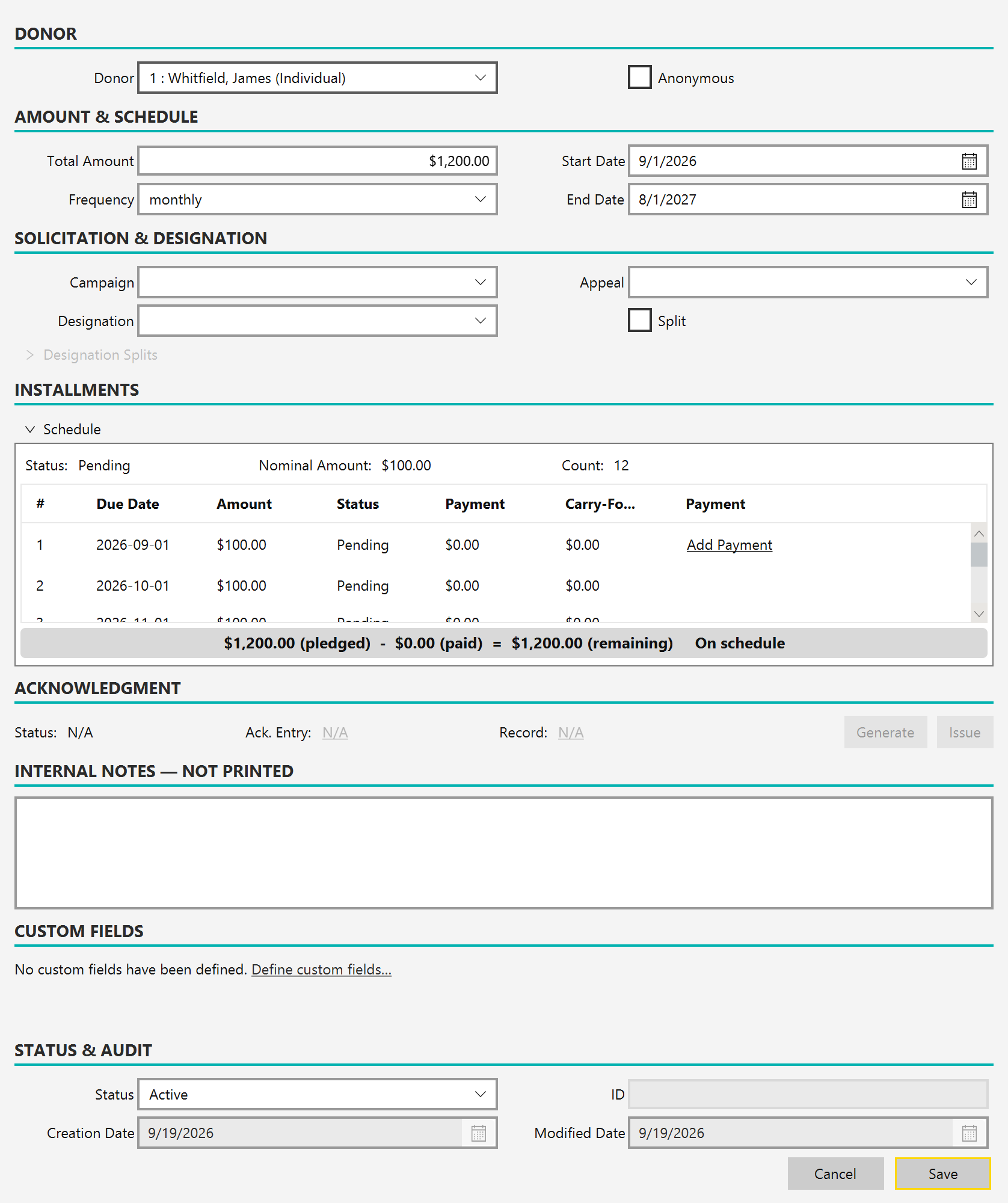
Pledge payments
Record each payment against its pledge, generate a receipt, and see fulfillment and outstanding amounts update automatically — so you always know who's on track.
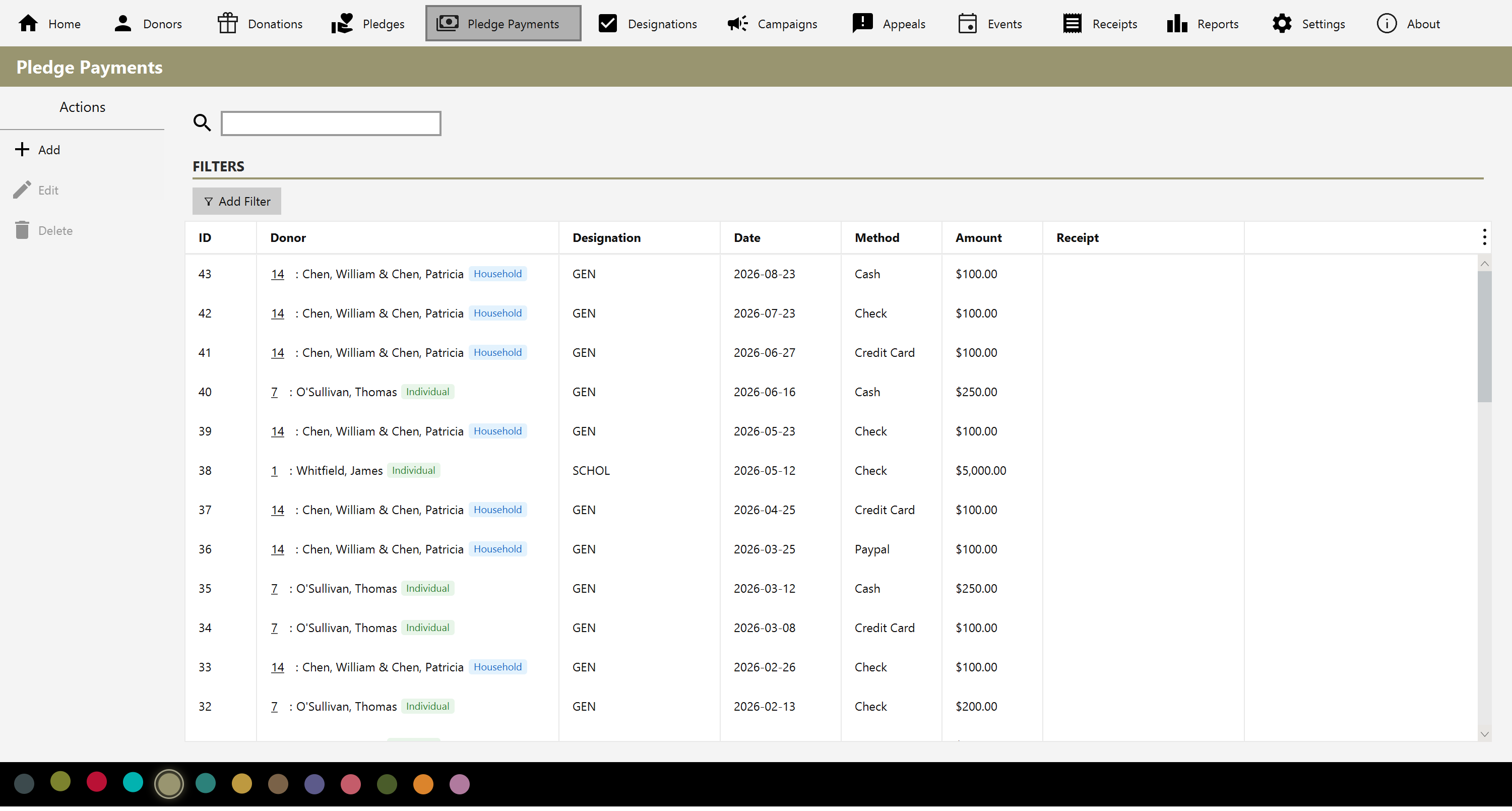
Designations & splits
Define your own funds and designations, then split a donation or pledge across several of them. A default line auto-balances to the remainder, and Mich checks that the split always sums to the total before saving.
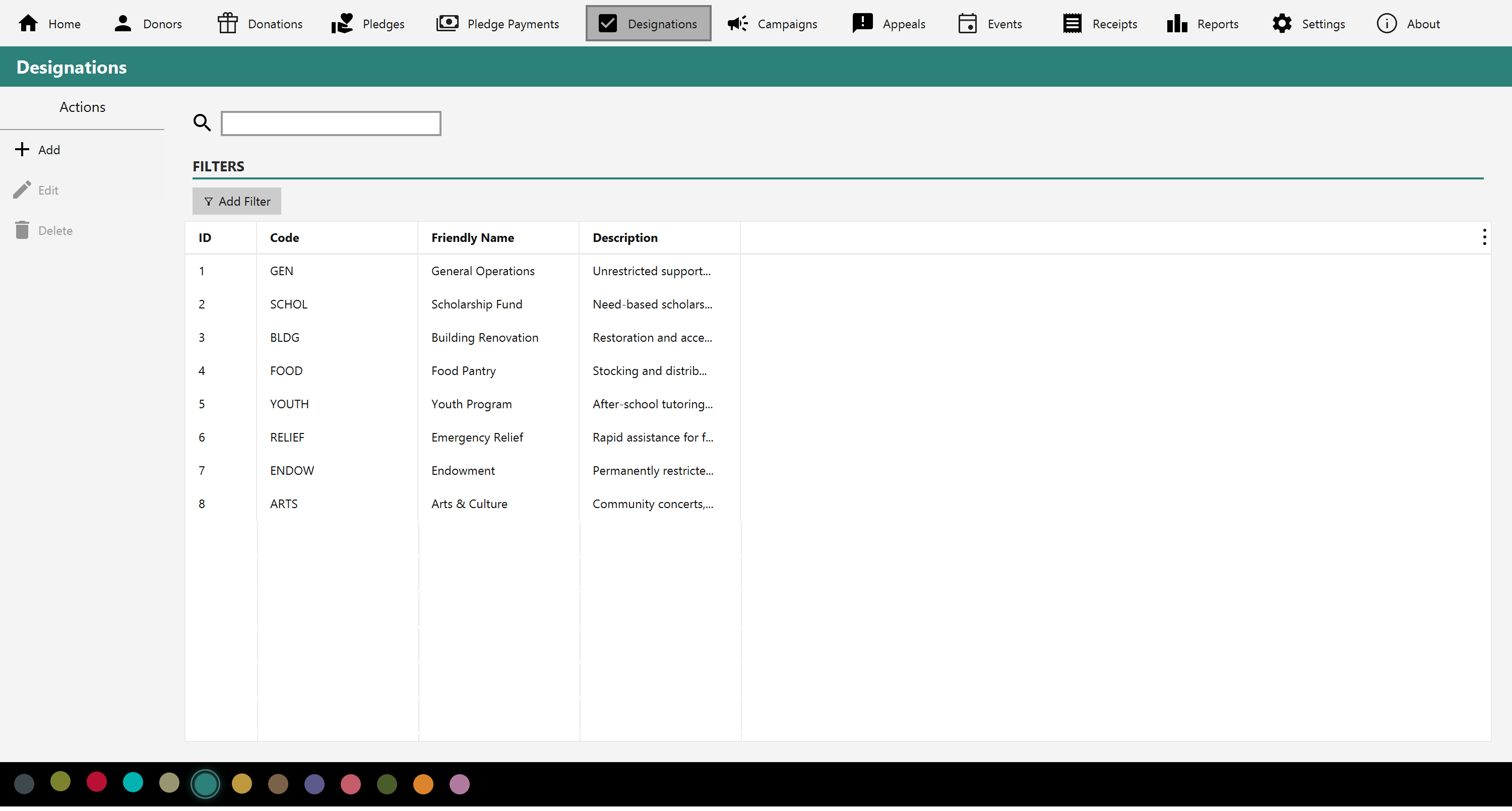
Campaigns
Group giving into campaigns with goals, and track progress toward each target right from the dashboard.
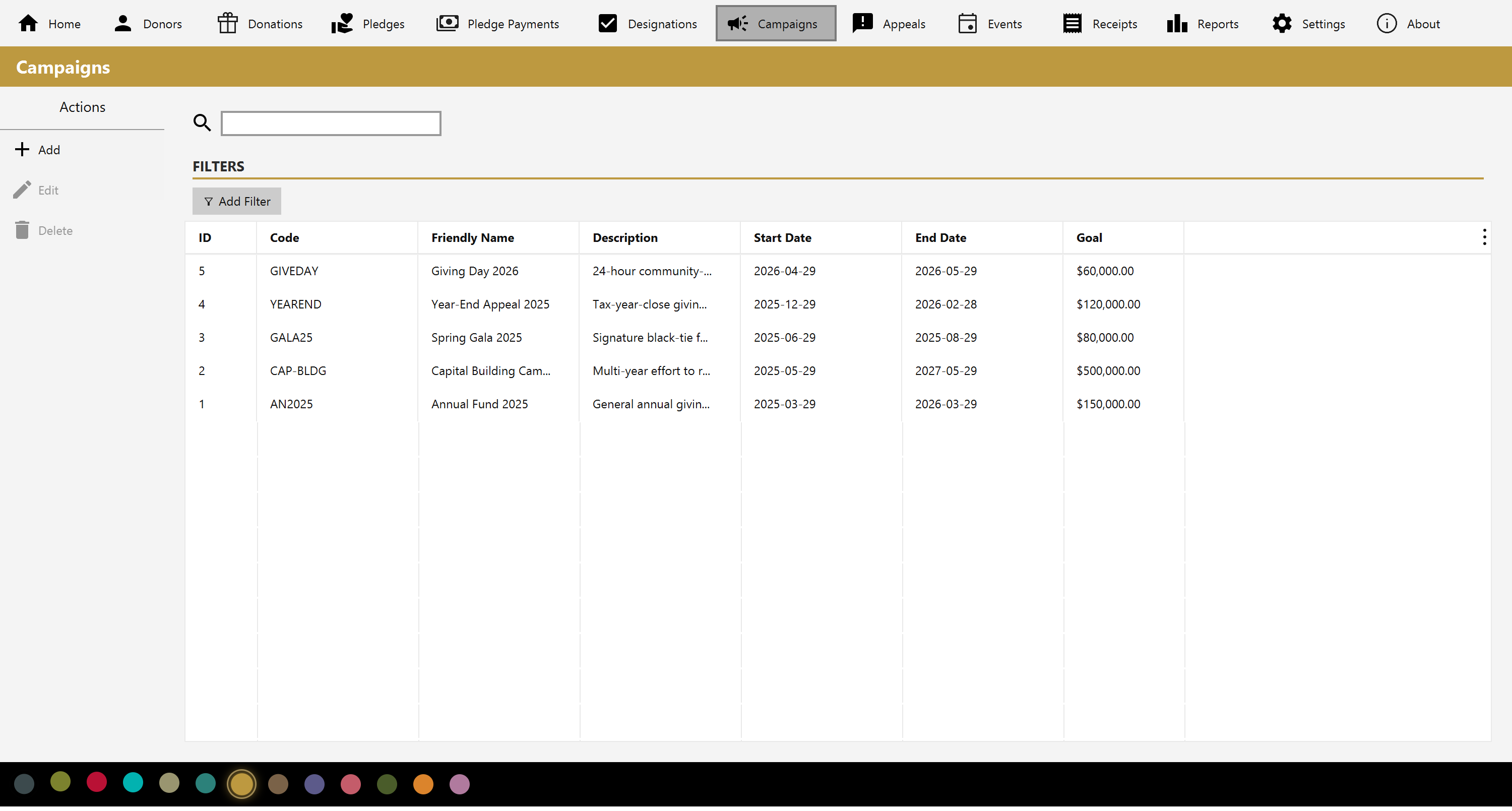
Appeals
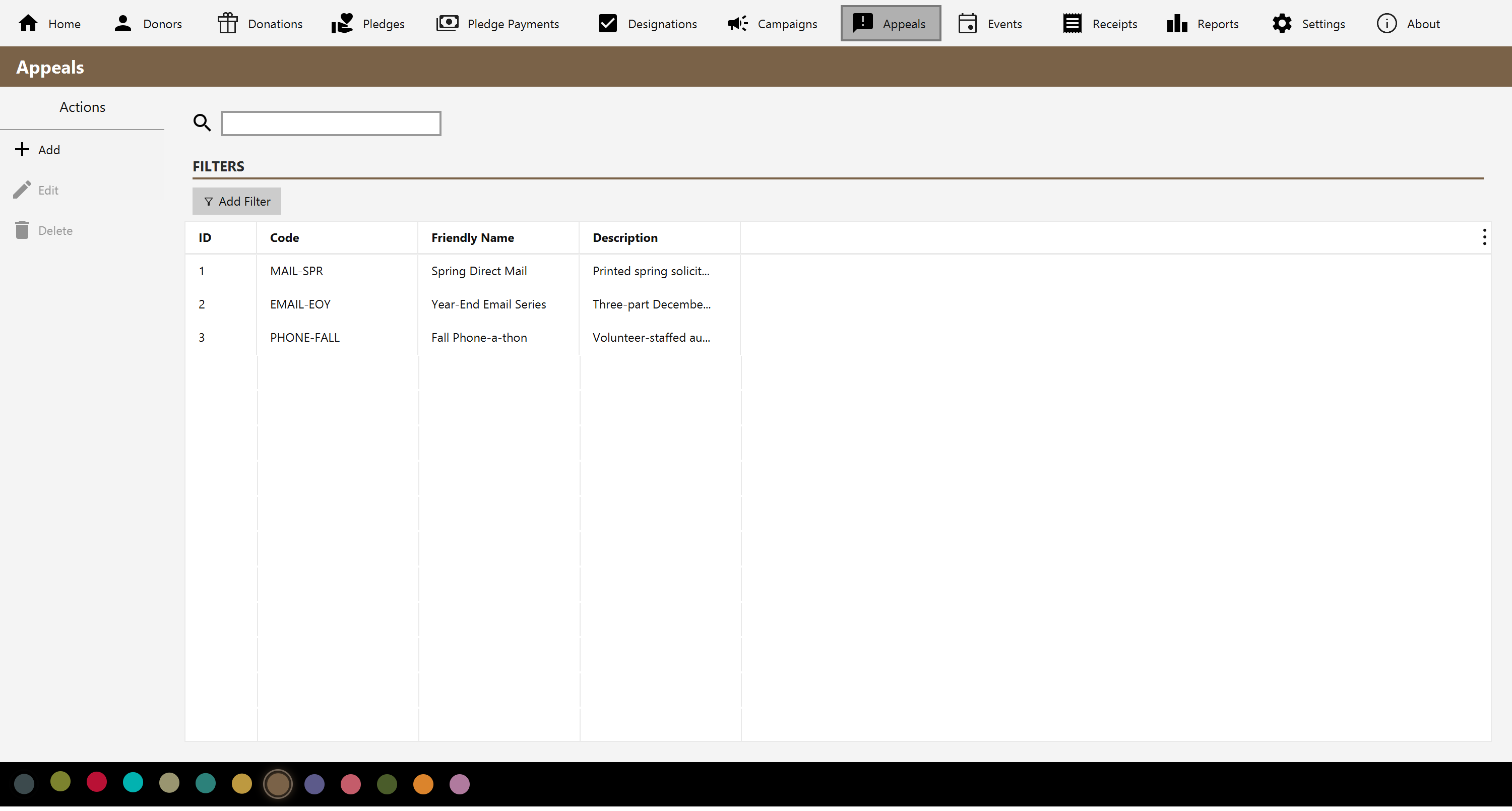
Track specific appeals within your campaigns so you can see what's bringing gifts in and where to focus next.
Events
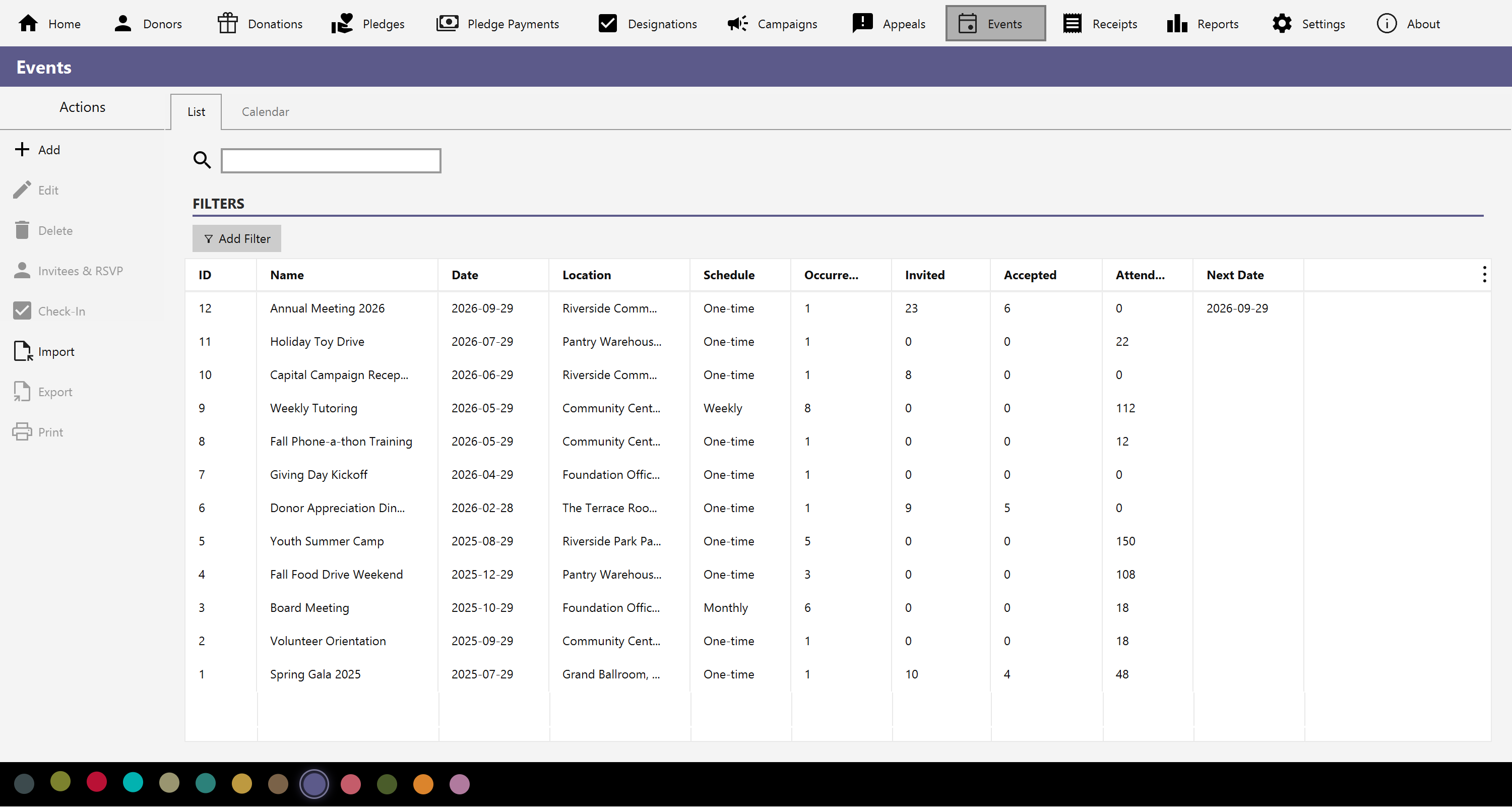
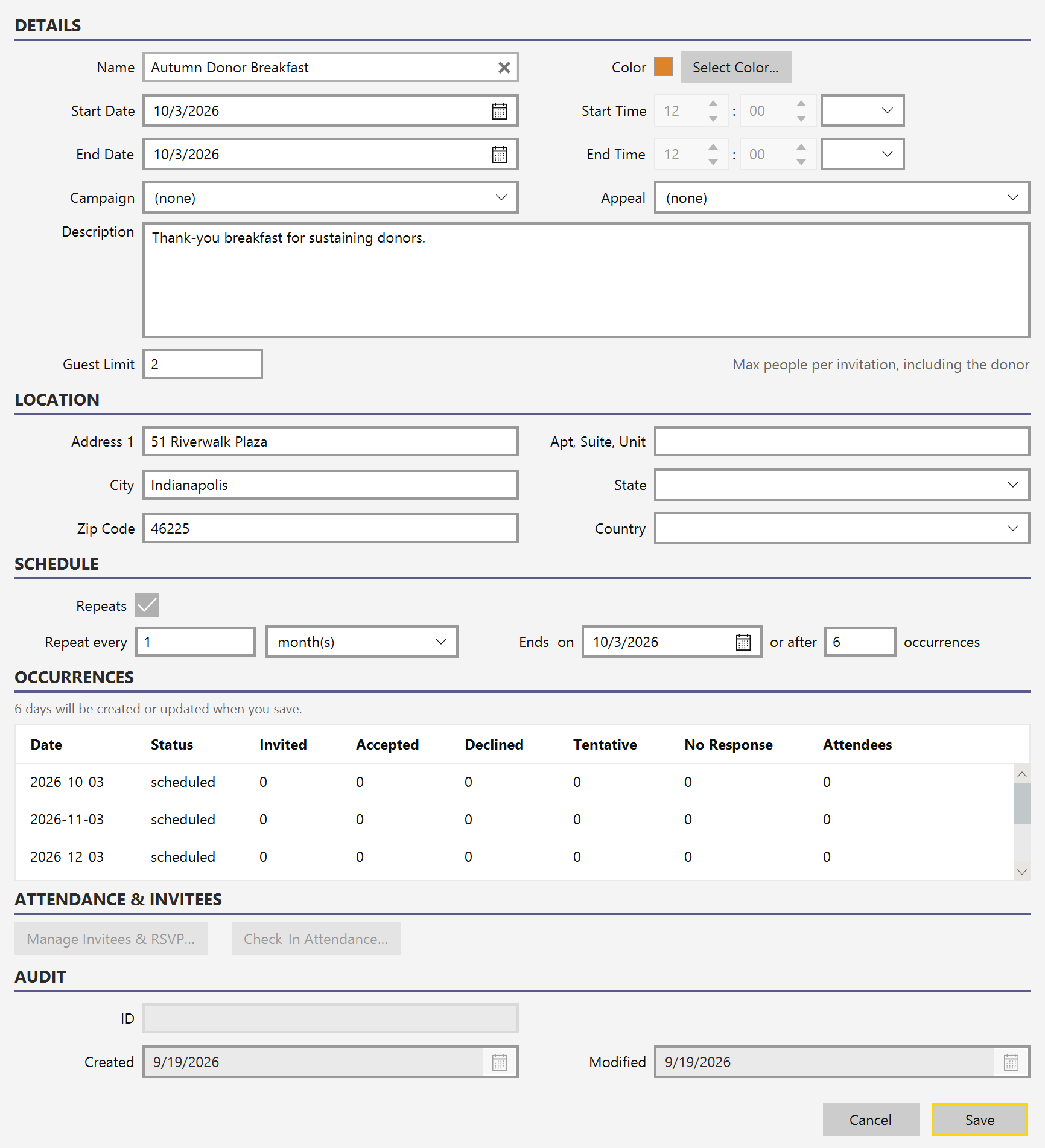
Schedule the gatherings that raise money and build relationships — a gala, a volunteer day, a donor breakfast, a weekly class. Give an event a date, a location and a guest limit, color-code it, and set it to repeat weekly, monthly, quarterly or annually, ending on a date or after a set number of times.
Invite donors from your own database and track how each replies — invited, accepted, declined, tentative or no response — along with how many they're bringing, capped by the guest limit so your headcount stays honest.
Calendar & check-in
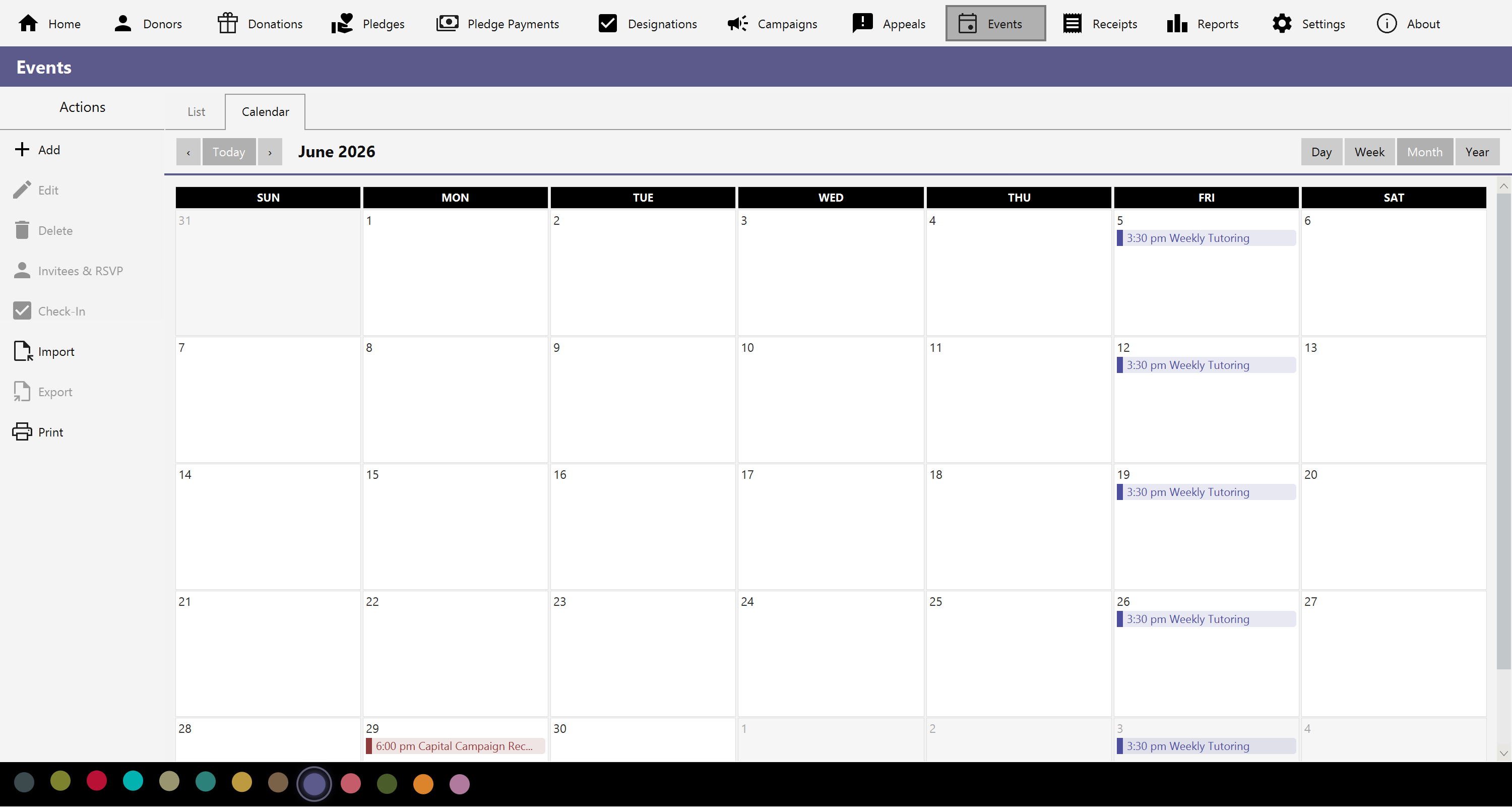
View events by day, week, month or year, color-coded and starting on whichever day
your week does. Double-click an empty day to add an event there. Import and export
.ics calendar files, so events move between Mich and whatever calendar your
team already uses.
On the day, check guests in and record the head count in each party. Add walk-ins who were never invited, and use the anonymous counter for guests you don't need to name — so your attendance total is right without inventing donor records. Two reports close the loop: one row per donor with their RSVP and whether they came, and one row per event with counts by RSVP status.
That pairing — named people you know plus a count of everyone else — makes this a workable attendance register for a recurring gathering: a Sunday service, a weekly class, a support group. Set the event to repeat, check off the members who came, add a number for the visitors, and each occurrence keeps its own record.
Receipts & acknowledgments
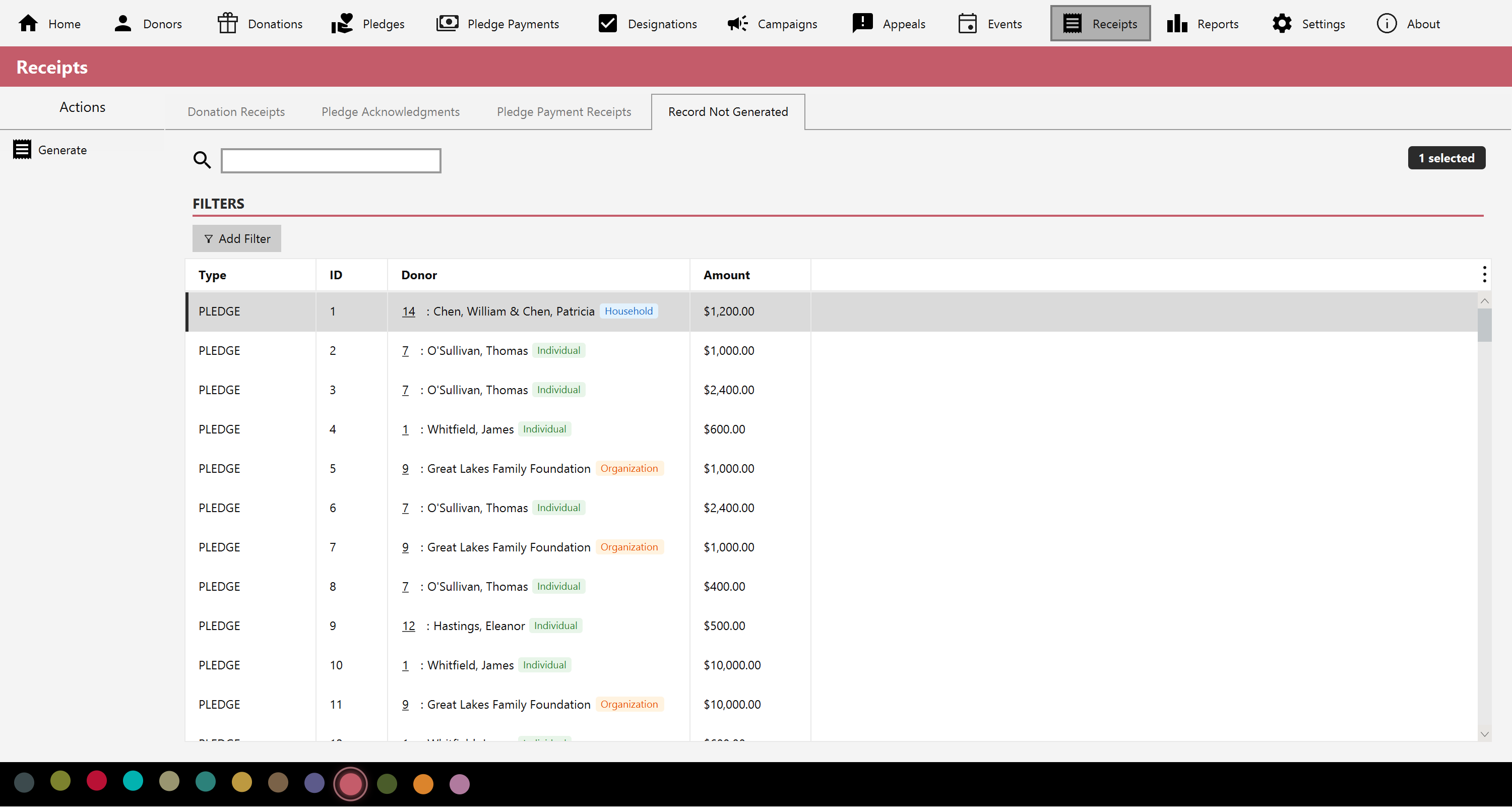
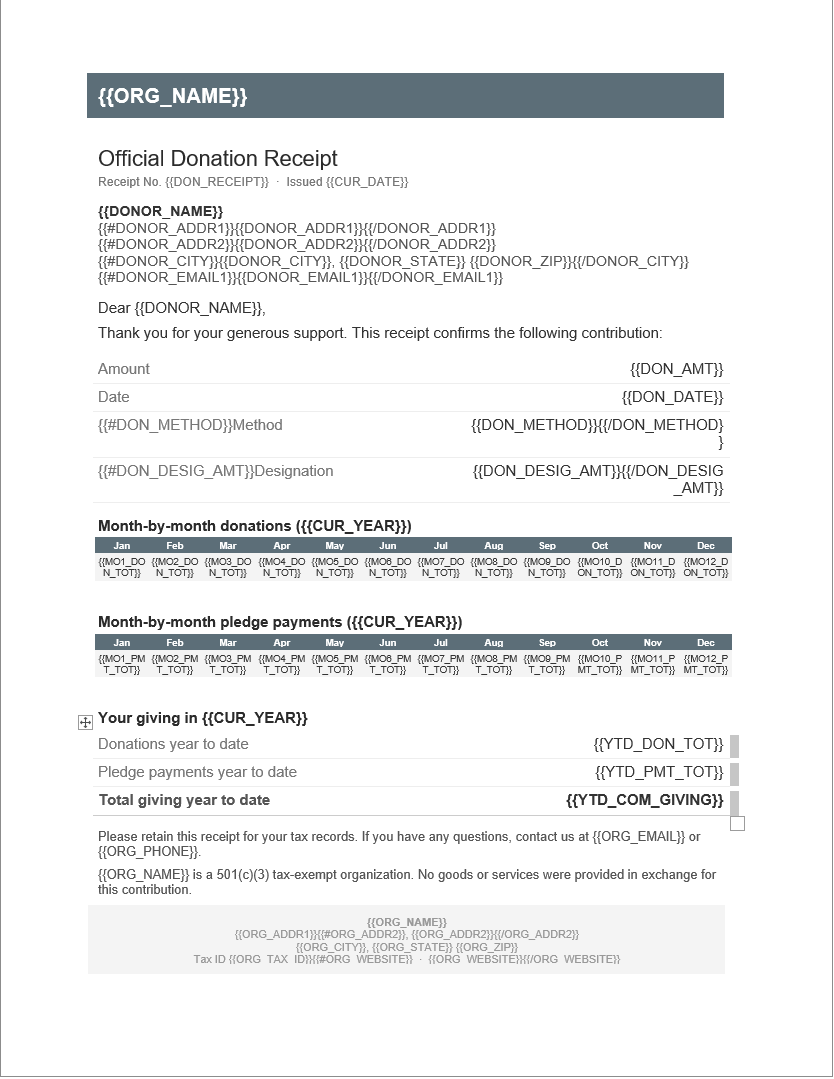
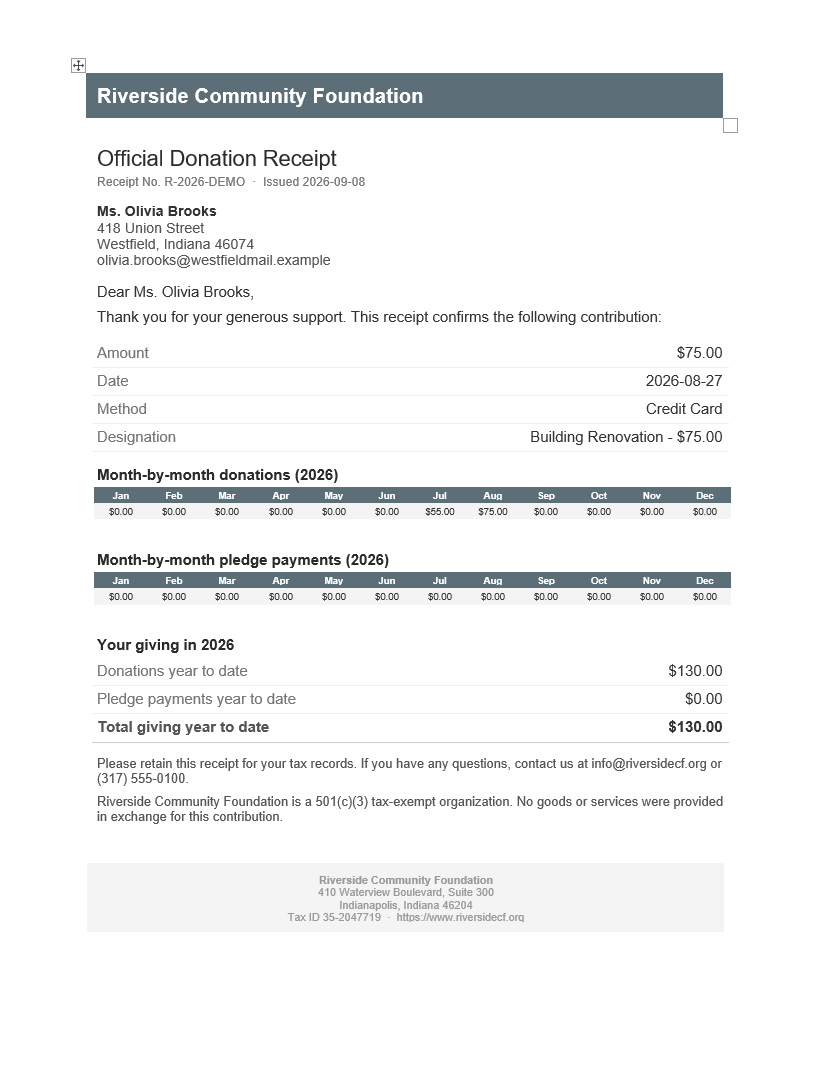
Generate tax receipts, pledge acknowledgments, and thank-you letters from your own Word (.docx) templates. 185 mail-merge tokens across 15 groups fill in the donor, the gift, your organization and running totals like lifetime giving — each one previewable with live sample data before you commit it to a template.
Receipts are numbered in sequence, because a receipt is the donor's record. Corrections are made by voiding and replacing, never by deleting — the replacement records what it supersedes, so the series stays intact and auditable.
Three ways to produce a document: the Word record itself, a PDF letter rendered using Microsoft Word or LibreOffice if you have either installed, or an HTML receipt that needs neither — preview it in a browser, print it, or paste it into your own email.
Email delivery
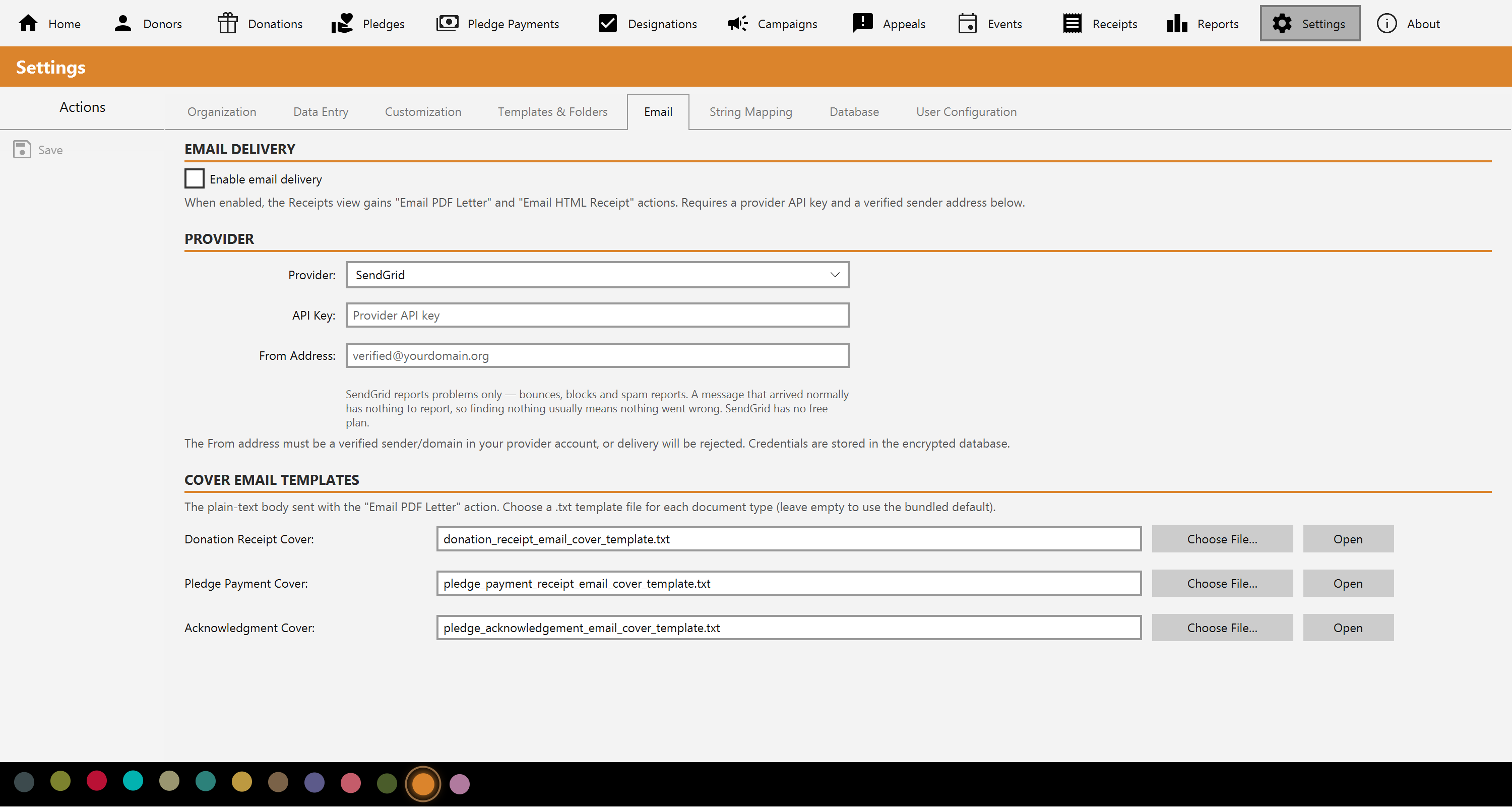
Optional, and off until you turn it on — and the one part of Mich that needs an internet connection in normal use. Connect your own SendGrid, Resend or Mailgun account and Mich can email receipts and event invitations directly, with a plain-text cover message you control per document type.
Mich tells you what your provider said: whether the message was accepted for delivery or rejected, and why, written to the audit log either way. Acceptance is not the same as arrival, so Check Delivery asks your provider what actually happened — delivered, bounced, blocked, reported as spam, or failed to send — and records the answer against the receipt. How much a provider will tell you varies: delivery reporting differs between services, and between their free and paid tiers, so check what yours offers before you rely on it. Prefer to send from your own mail client? Generate the HTML receipt and paste it — no email provider needed.
Reports & charts
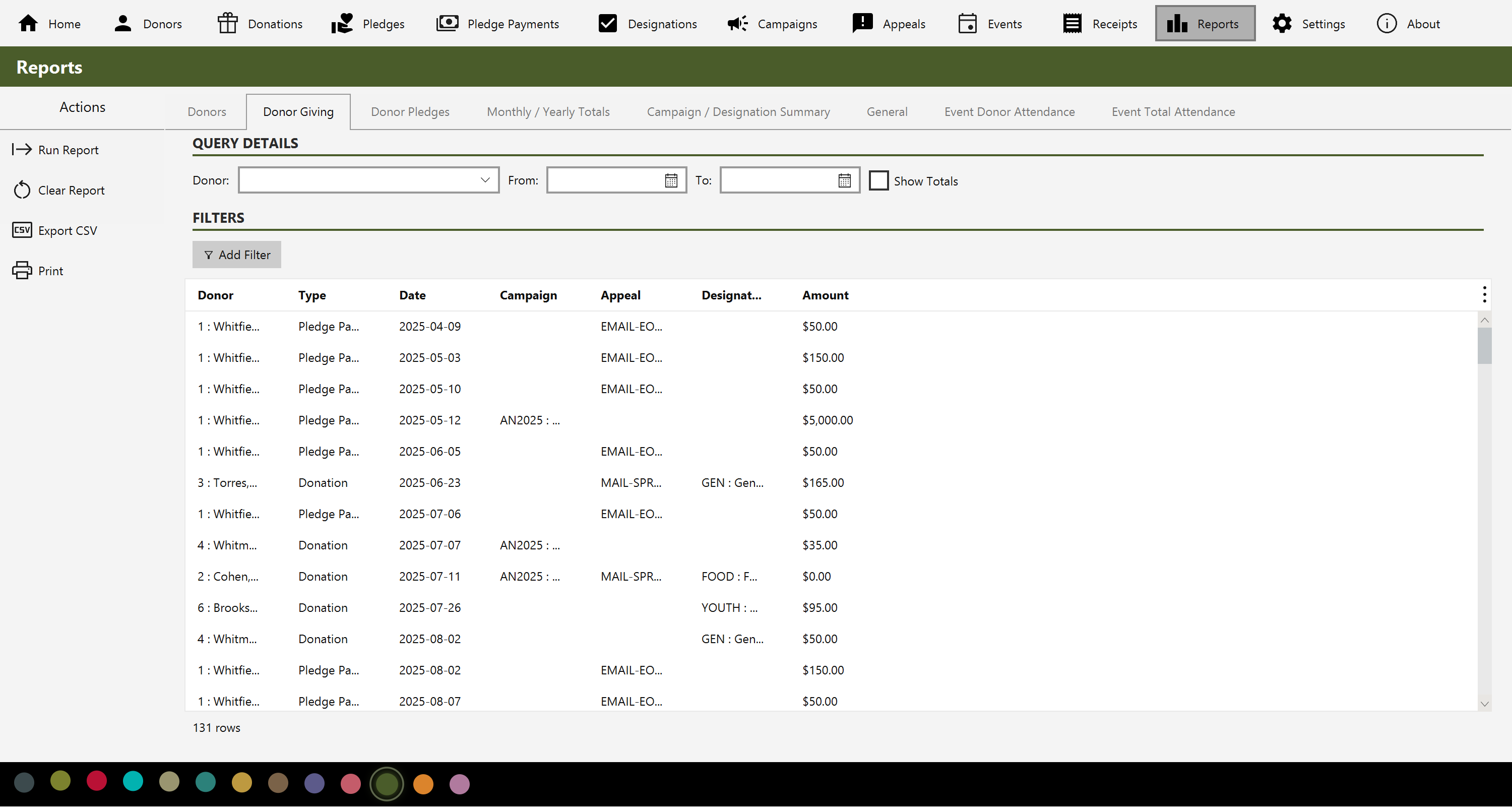
Eight built-in reports: a filtered donor list, one donor's giving history, pledge status by donor, monthly and yearly totals, totals grouped by campaign or fund, a cross-entity query, and two event attendance reports. Every one filters, totals, prints and exports to CSV.
The dashboard adds the numbers most software leaves you to work out — retention rate, lapsed donors, first-time donors and pledge fulfillment — alongside trend and pipeline charts. Total raised is the figure everyone looks at and the least informative one.
Private & encrypted
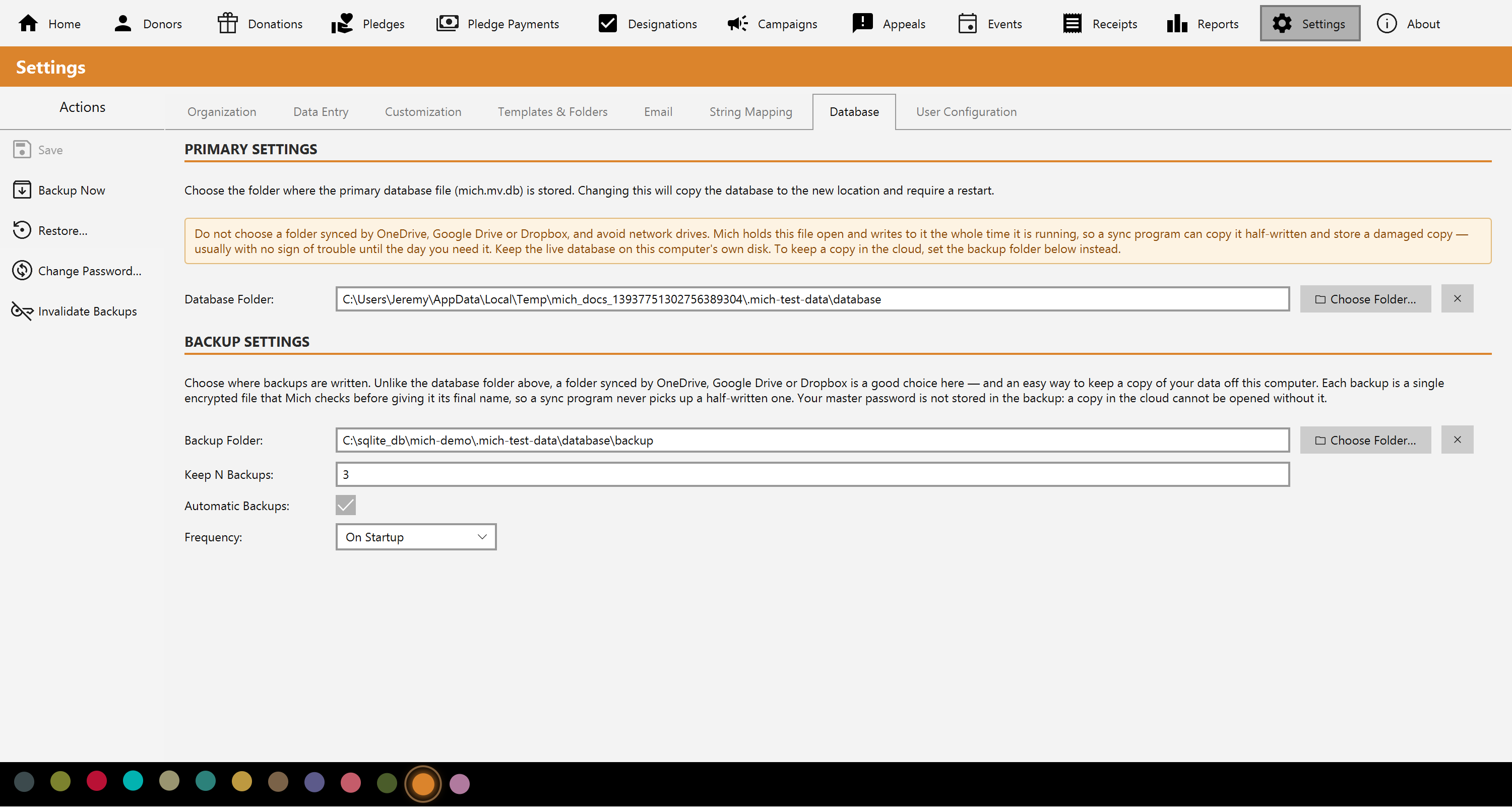
Mich stores everything in a local database, encrypted at rest with a master password you choose. It is never stored anywhere — not in the file, not in a setting, not on any server — so nobody but you can open your database. Nothing is sent to the cloud.
Backups are built to be trustworthy rather than merely present. Each one is reopened and checked before it counts as a backup, so a corrupt file can't quietly masquerade as a good one. Restoring takes a snapshot of your current data first, and the live database is never touched until the restored copy is verified — so a restore can't leave you with nothing. An interrupted one is finished on the next launch.
Keep a copy off the machine, if you want one. Mich itself sends nothing anywhere — but you can point the backup folder at one your own OneDrive, Google Drive or Dropbox already syncs, and get an off-site copy without a service in the middle. It works well because of how backups are written: a single AES-encrypted file that only gets its final name once it has been checked, so a sync program never picks up a half-written one. Your master password isn't in it, so a copy in the cloud is unreadable without you. The live database is different and should stay on this computer's own disk — Mich says so where you choose the folder.
Every consequential change — records created, edited or deleted, receipts issued or voided, settings changed, backups and restores — is written to an audit log you can read and export, and cannot edit or clear.
Settings
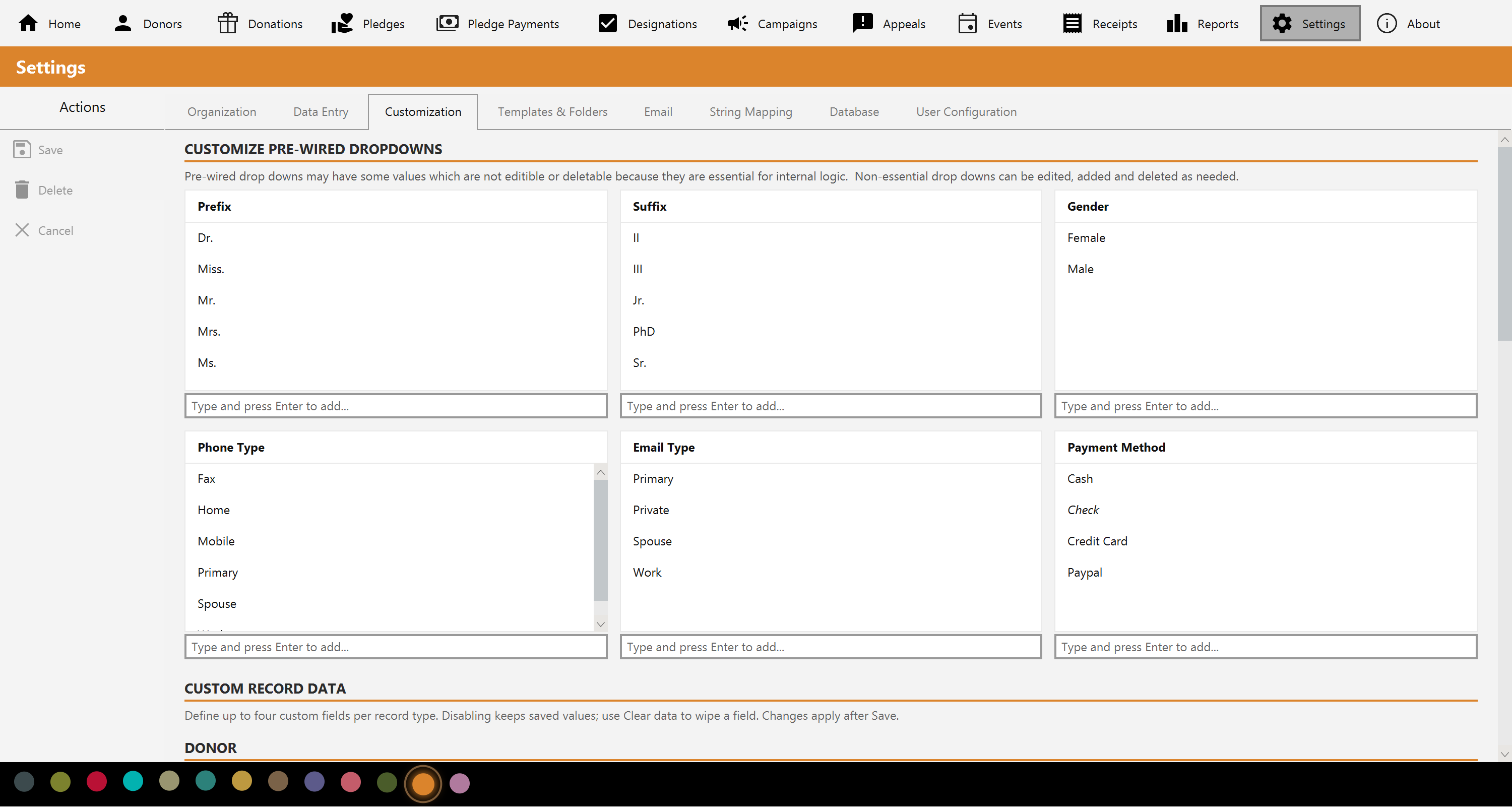
Add your own custom fields to any of seven record types — donors, donations, pledges, pledge payments, designations, campaigns and appeals — in six types including a currency type that survives a change of currency. They appear on the form, become filterable in the list, and are available as merge tokens on your templates.
Edit the drop-down vocabularies so Mich speaks your language. Renames cascade to every record using them, and Mich counts how many records use a value before letting you delete it. Decide which fields are required to enforce your own minimum data standard, and arrange the dashboard's 22 sections and 24 metric cards however you work.
14 currencies are supported, with amounts stored in whole minor units so the arithmetic is exact — including zero-decimal currencies like yen and won.
Free & licensed
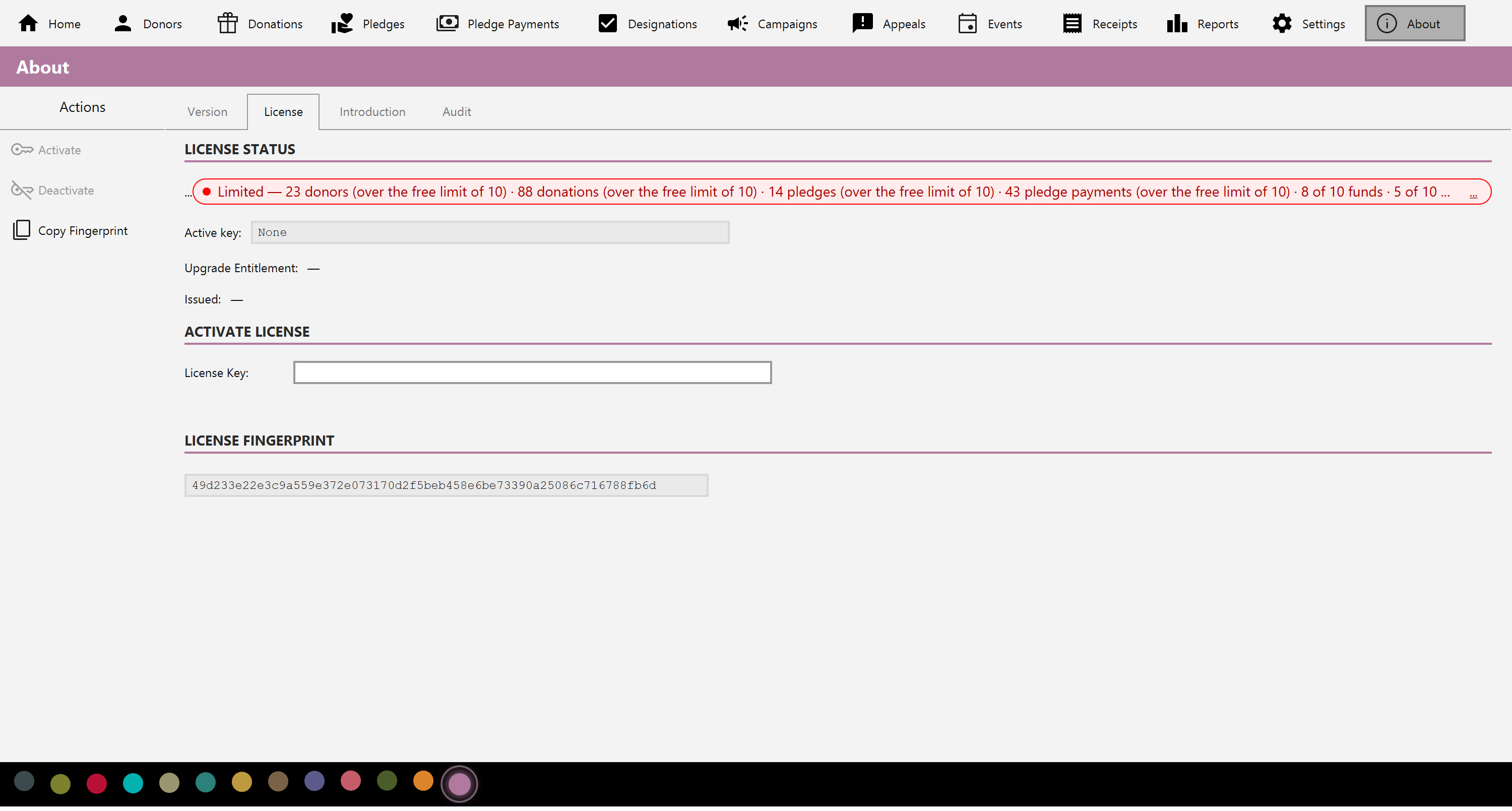
Install Mich and start entering data straight away. There is no trial to request, no key to activate, no account and no card. The free version is the complete application, limited only in how much it holds: 10 each of donors, donations, pledges, pledge payments, funds, campaigns, appeals and events, and 5 receipts. Everything you enter stays fully editable, whatever happens to your license later.
A one-time license covers your major version when you decide to buy. You activate once online; after that Mich runs offline, checking in occasionally in the background. Each successful check gives you another 30 days offline — a rolling window, not a subscription. How offline use works. Every change is written to an audit log you can read and export.