
Donors · Step 2 of 7
Record a couple or family as one donor, with both partners named on the same record.
When two people give as one — a married couple, a family — record them as a household rather than as two individuals. One record means one giving history, which is what makes retention and average-gift figures meaningful.
Open Donors, click Add, and set Profile Type to Household.
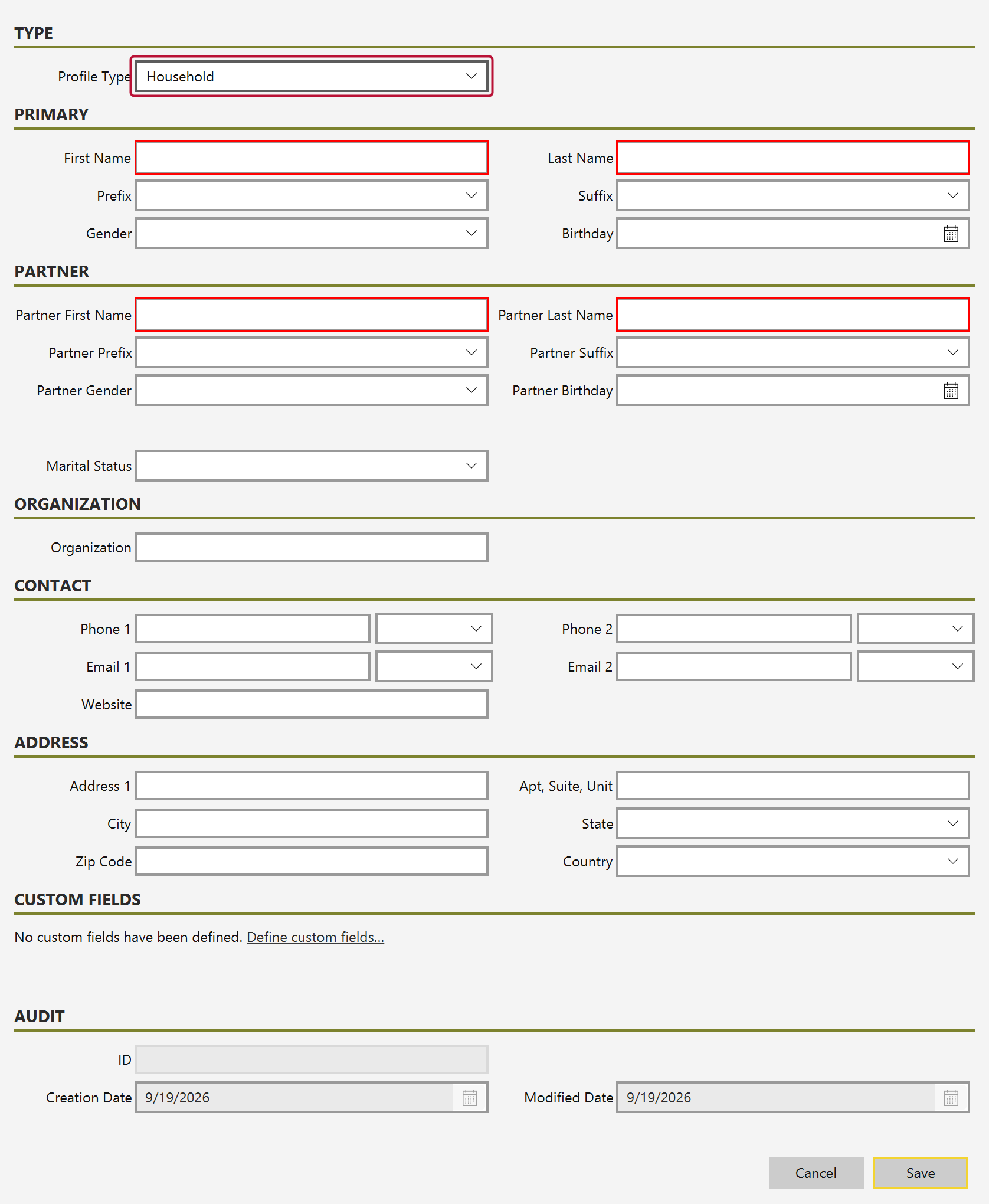
Choosing Household is what activates the Partner section further down the form.
Fill in First Name (A) and Last Name for the primary contact, then Partner First Name (B) and Partner Last Name for the second person.
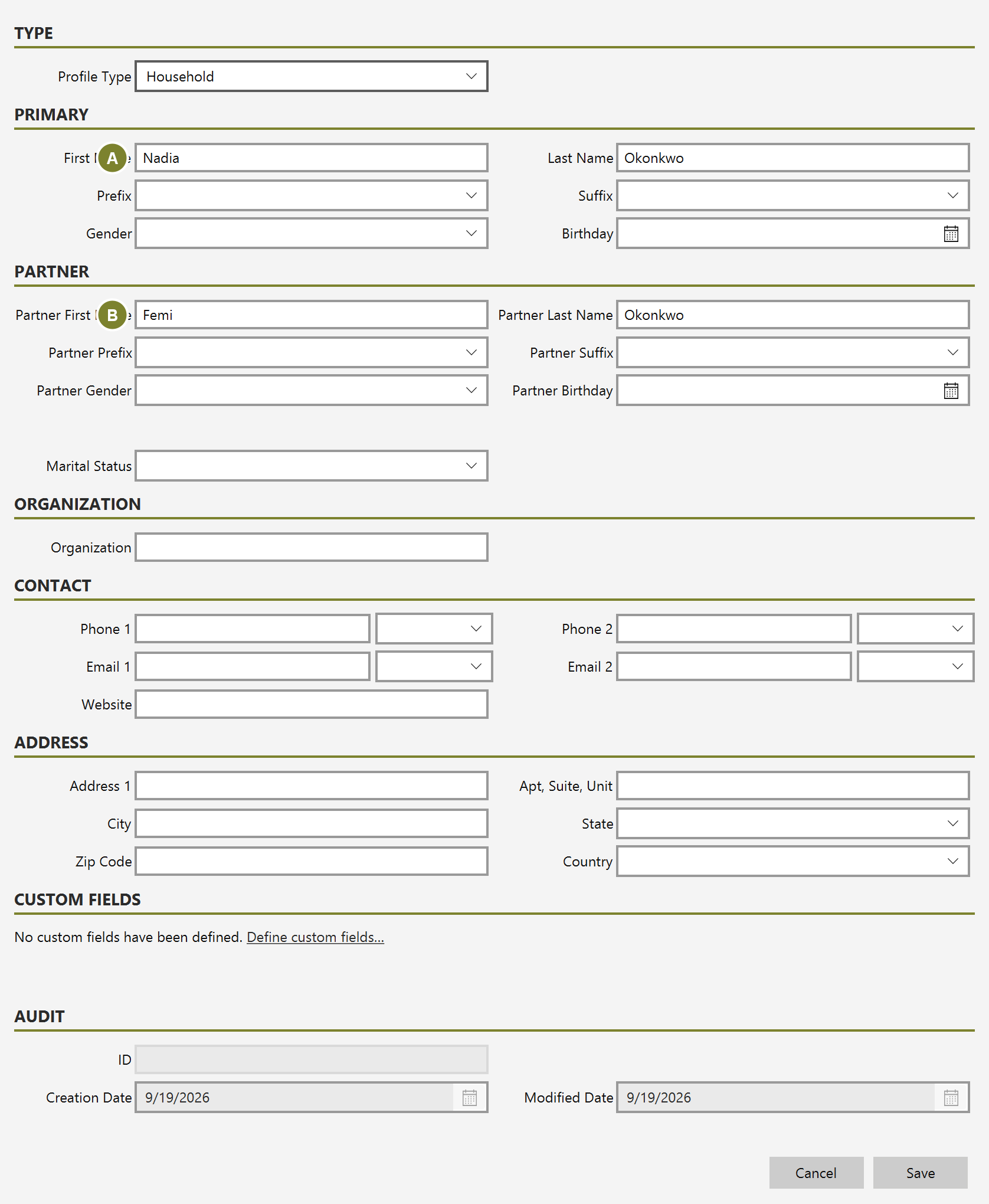
The partner has their own Prefix, Suffix, Gender and Birthday too. Marital Status sits just below the partner fields and applies to the household as a whole.
There is no significance to which person you make the primary contact beyond correspondence — both names are available to the merge tokens used on receipts and letters, so you can address a document to one or to both.
Click Save, close the form, and search for the household by surname.
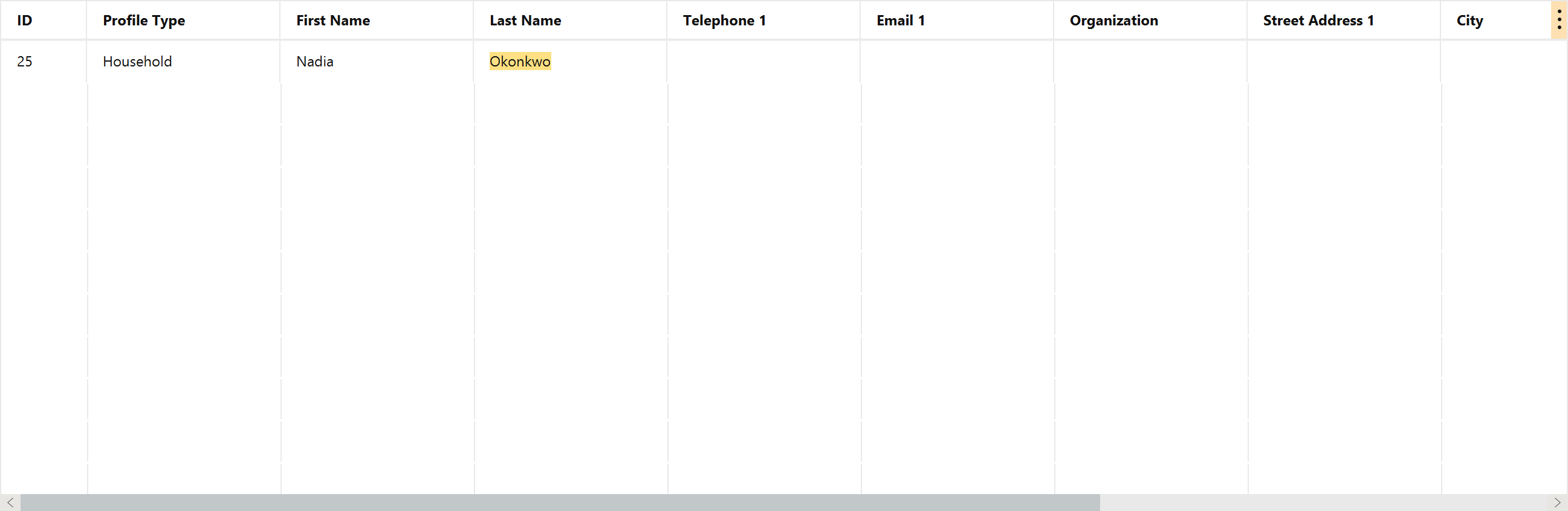
Gifts recorded against this donor now count once, for the household.