
Donors · Step 1 of 7
Create a donor record for a single person and confirm it saved.
Most donor records are for one person. This walks through creating one from scratch.
Select Donors in the navigation bar. The Actions panel runs down the side of every list view; Add is at the top of it.
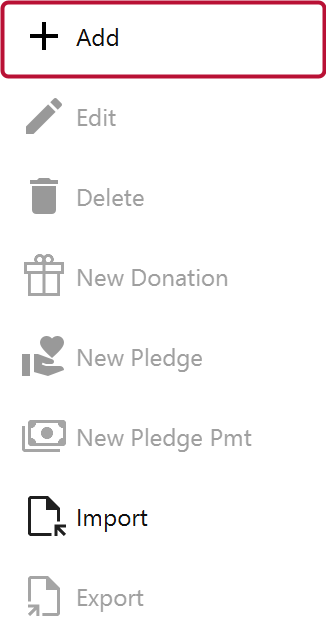
Click Add. A blank donor form opens.
Profile Type decides which parts of the form apply. Set it to Individual.
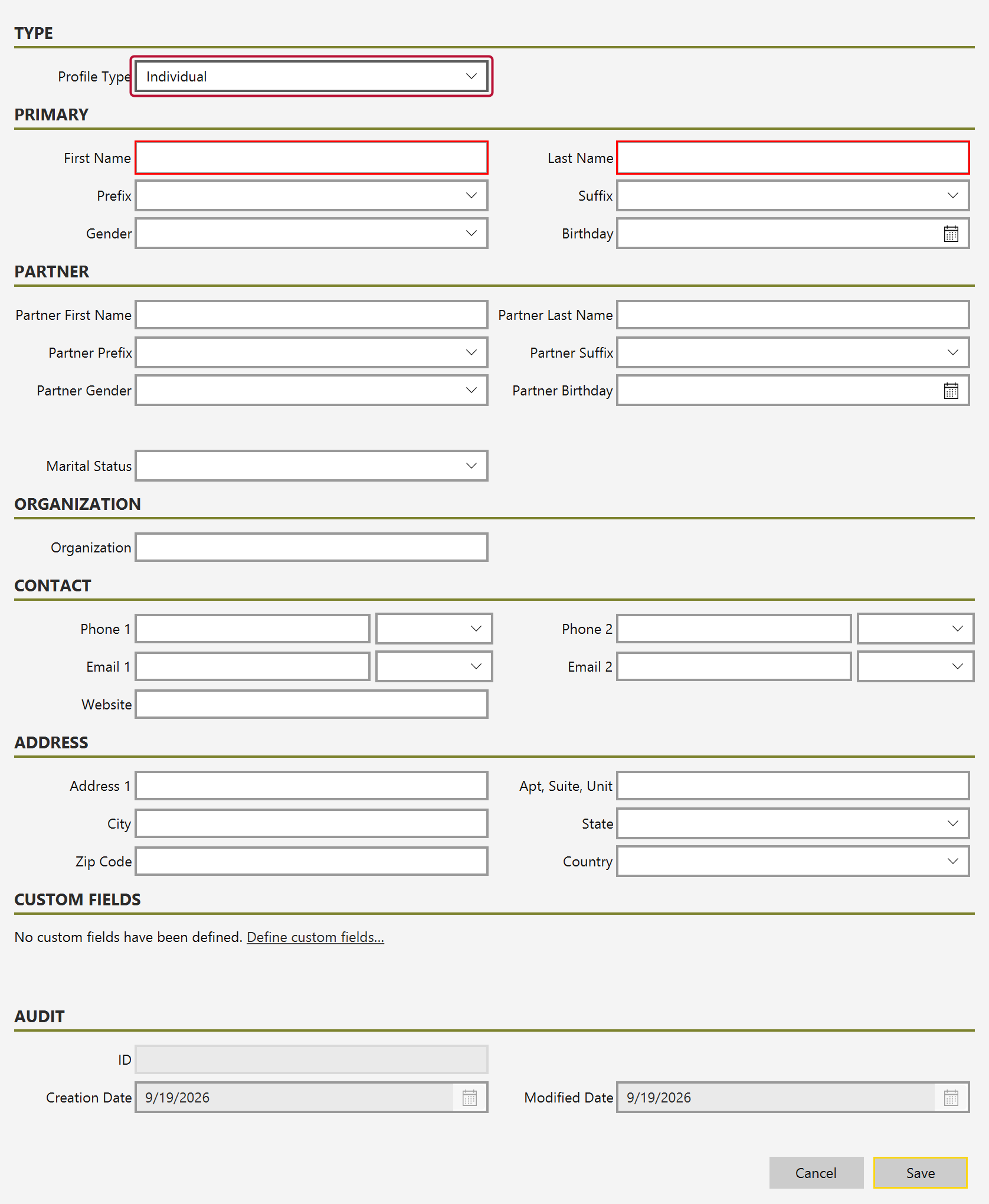
Set this first. It controls which fields are relevant below — the Partner section, for instance, only applies to a household.
Fill in First Name (A) and Last Name (B).
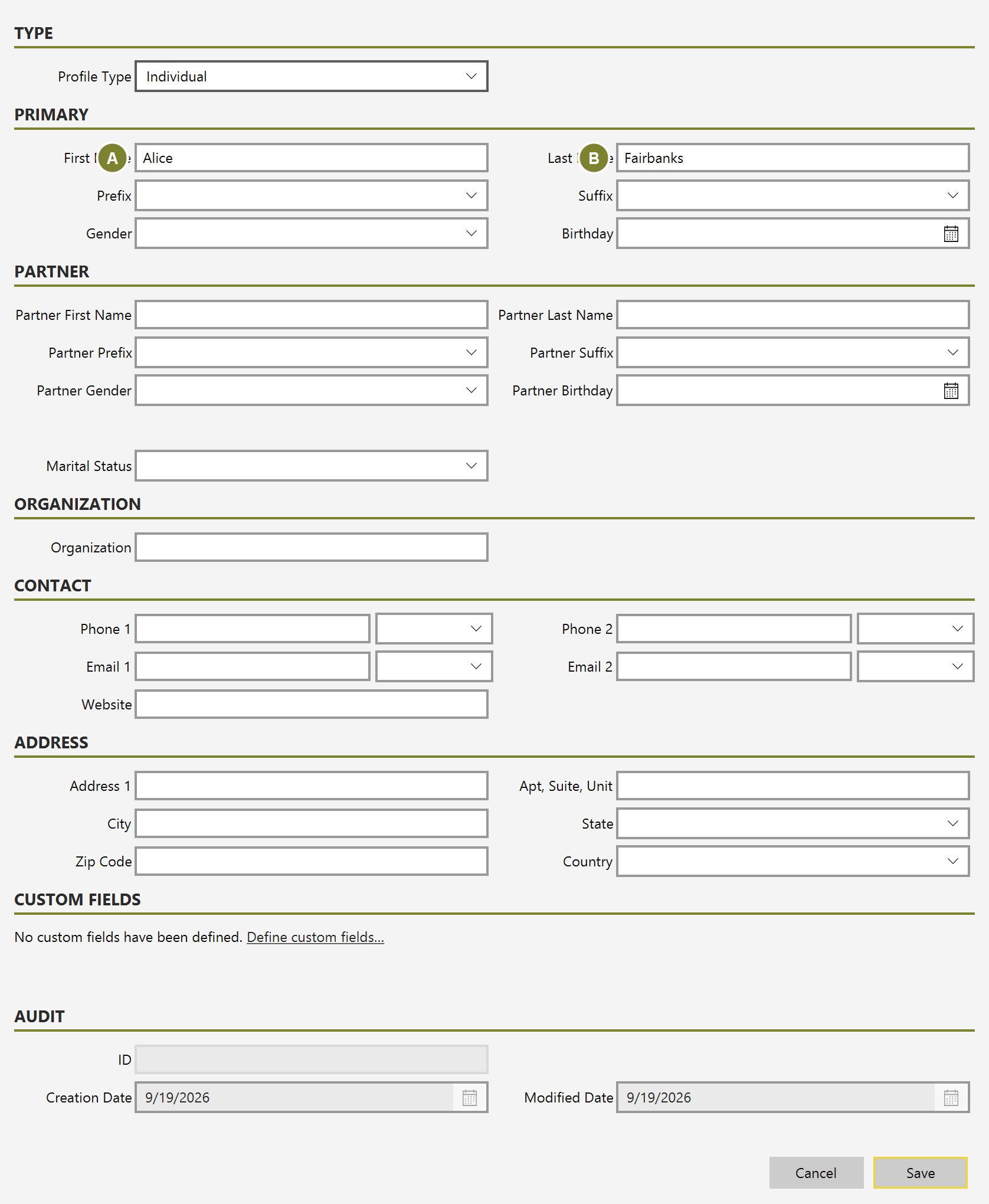
Prefix, Suffix, Gender and Birthday are optional. They are worth filling in if you send addressed mail — they feed the name tokens used when a receipt or letter is merged.
Enter a Phone (A) number and an Email (B) address.
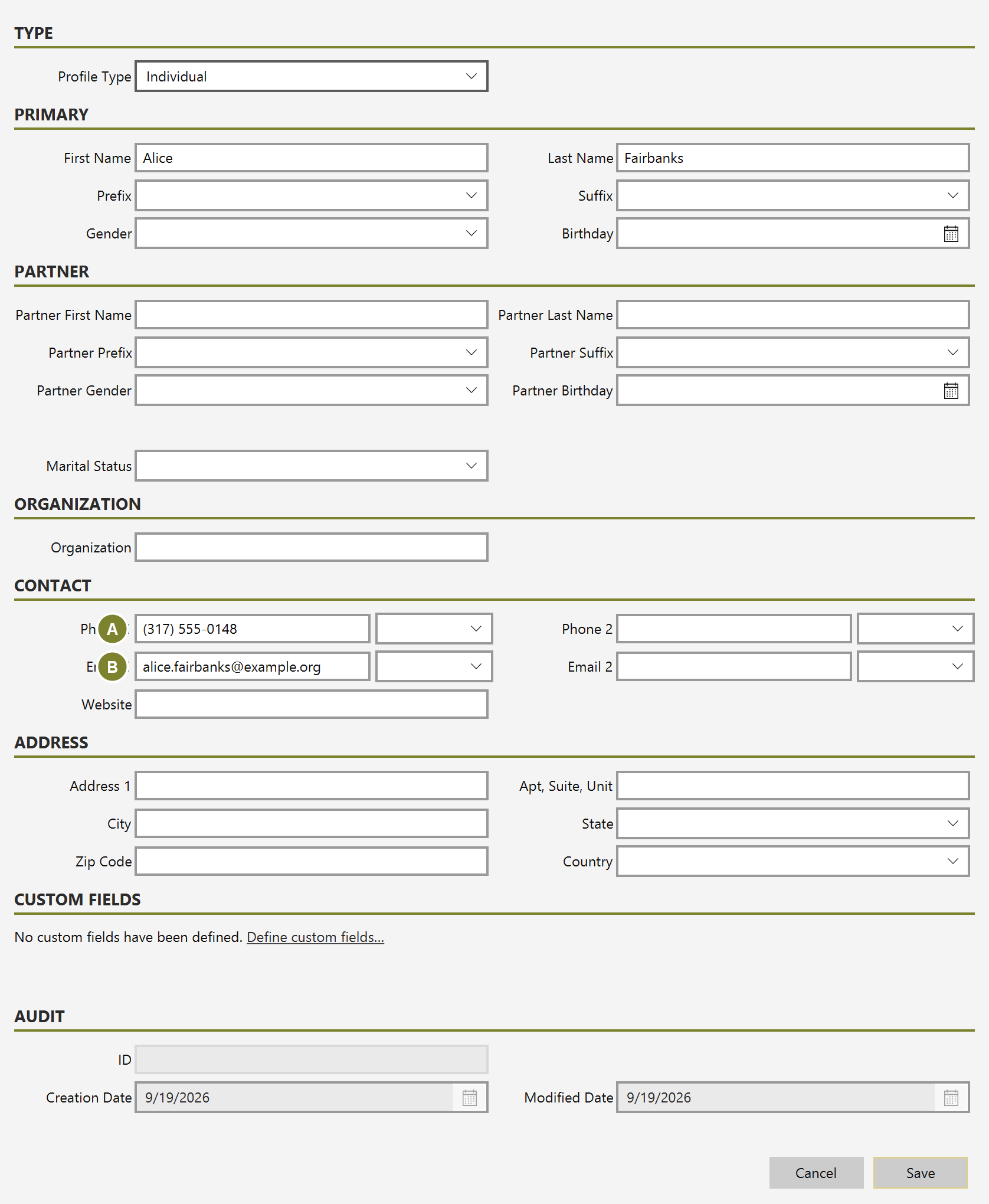
Mich holds two of each, and each has its own label (Home, Work, Mobile and so on) so you can record where the number reaches them. Email matters if you later want to send receipts directly from Mich.
Click Save.
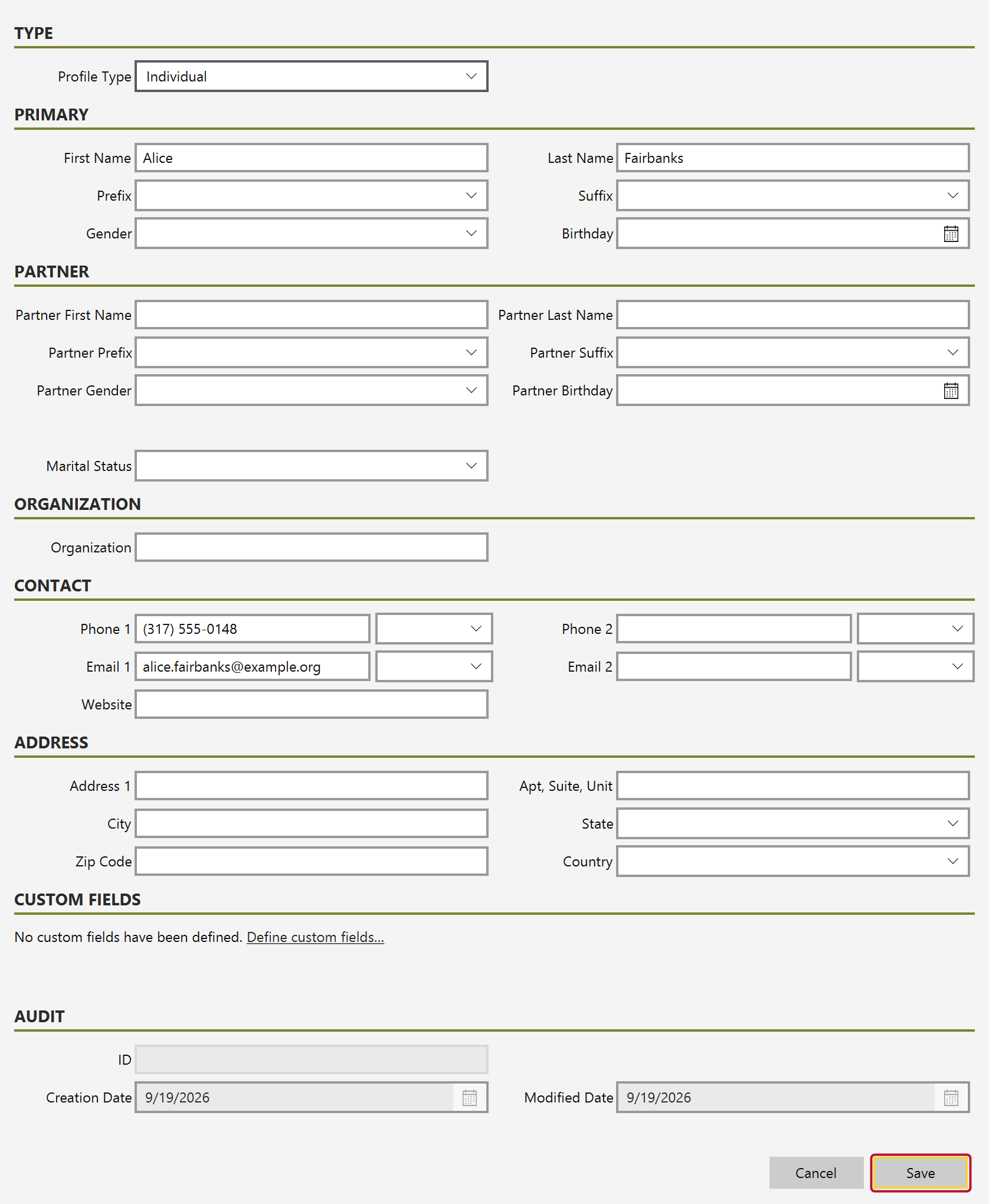
If address verification is switched on and the address can't be matched, Mich asks whether to save anyway — it never blocks a save on an address it doesn't recognize.
Close the form and type part of the name into the search box above the list.
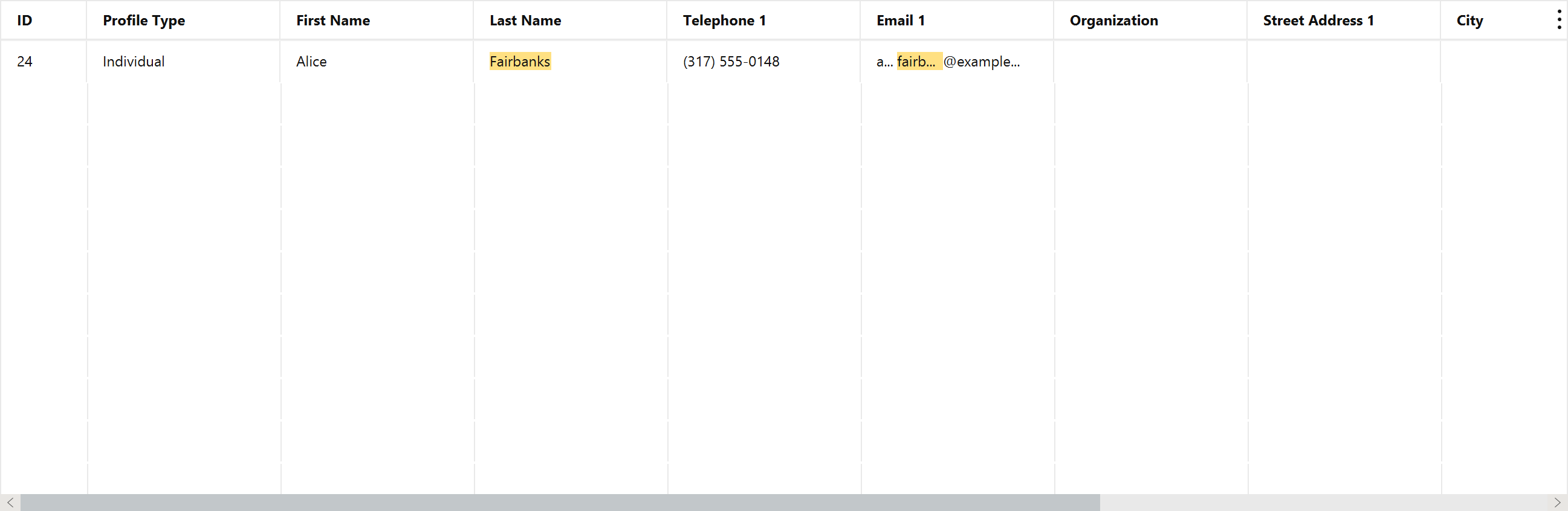
The new donor appears with an ID assigned. That ID is what every future gift, pledge and receipt links back to.