
Receipts and documents · Step 2 of 6
Produce documents for one record or many, in a single pass.
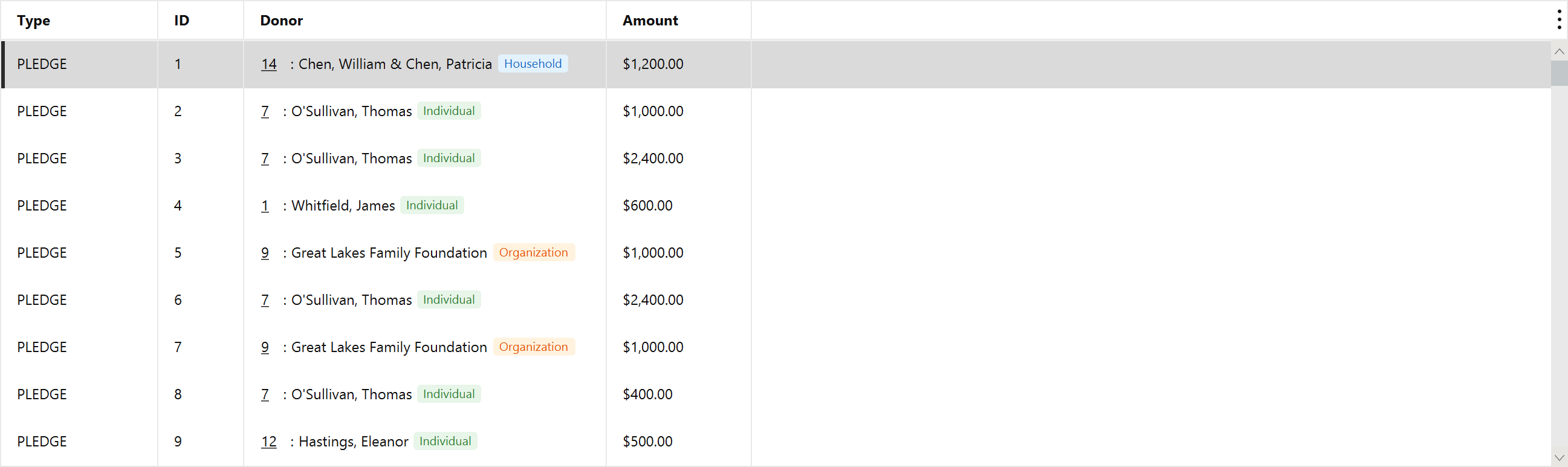
Select one row, or several. The selection can mix donations, pledges and pledge payments: Mich reads each row's type and merges it against the right template.

Click Generate. Each record is merged against your template and written to the receipt output folder, and the rows leave the queue.
In-kind gifts are merged against the in-kind template rather than the cash one. A cash template would print a zero amount for a gift of goods, which is why they are kept apart.