
Pledges and payments · Step 3 of 5
Apply a received payment to the right installment and let the pledge update itself.
When money arrives against a pledge, record it as a pledge payment rather than a donation. That is what reduces the outstanding balance.
Select the pledge in the list.
Click New Payment. Starting here means the donor and pledge are filled in for you and cannot be mismatched.
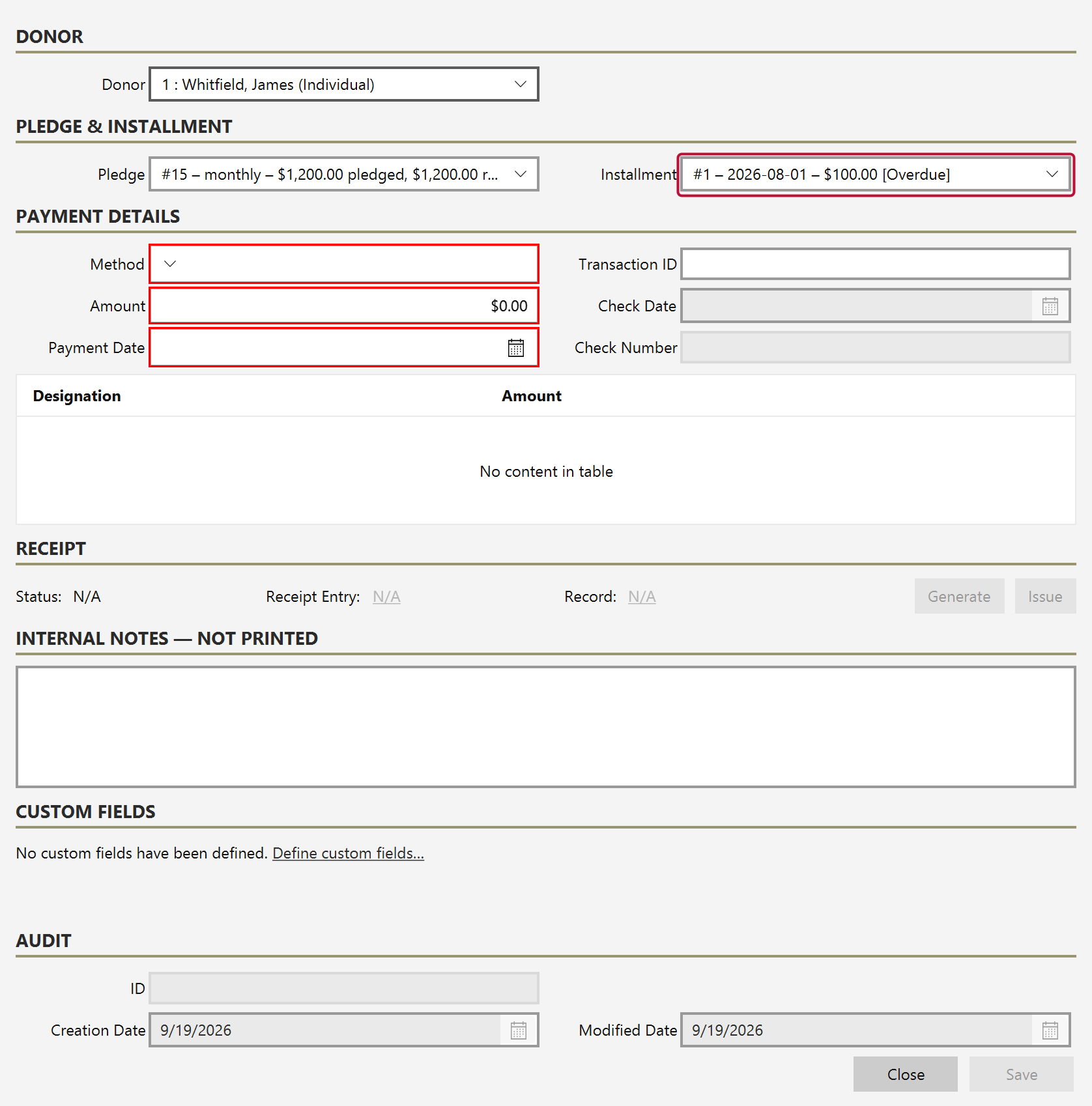
Installment is the one thing you should check. It decides which expected payment this money settles.
Enter the date, method and amount as you would for a donation.
If a payment exceeds what is outstanding, Mich can convert the excess into a standalone donation rather than distorting the pledge. The pledge closes at its true value and the extra is recorded as what it actually was: a further gift.