
Pledges and payments · Step 1 of 5
Record a commitment and let Mich build the payment schedule from it.
Go to Pledges.
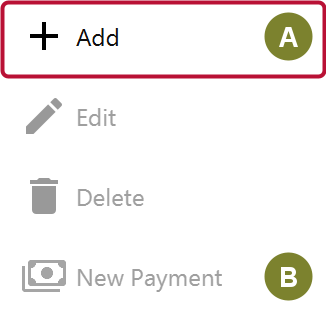
Click Add (A). New Payment (B) below it is for recording money against a pledge that already exists, which Record a pledge payment covers.
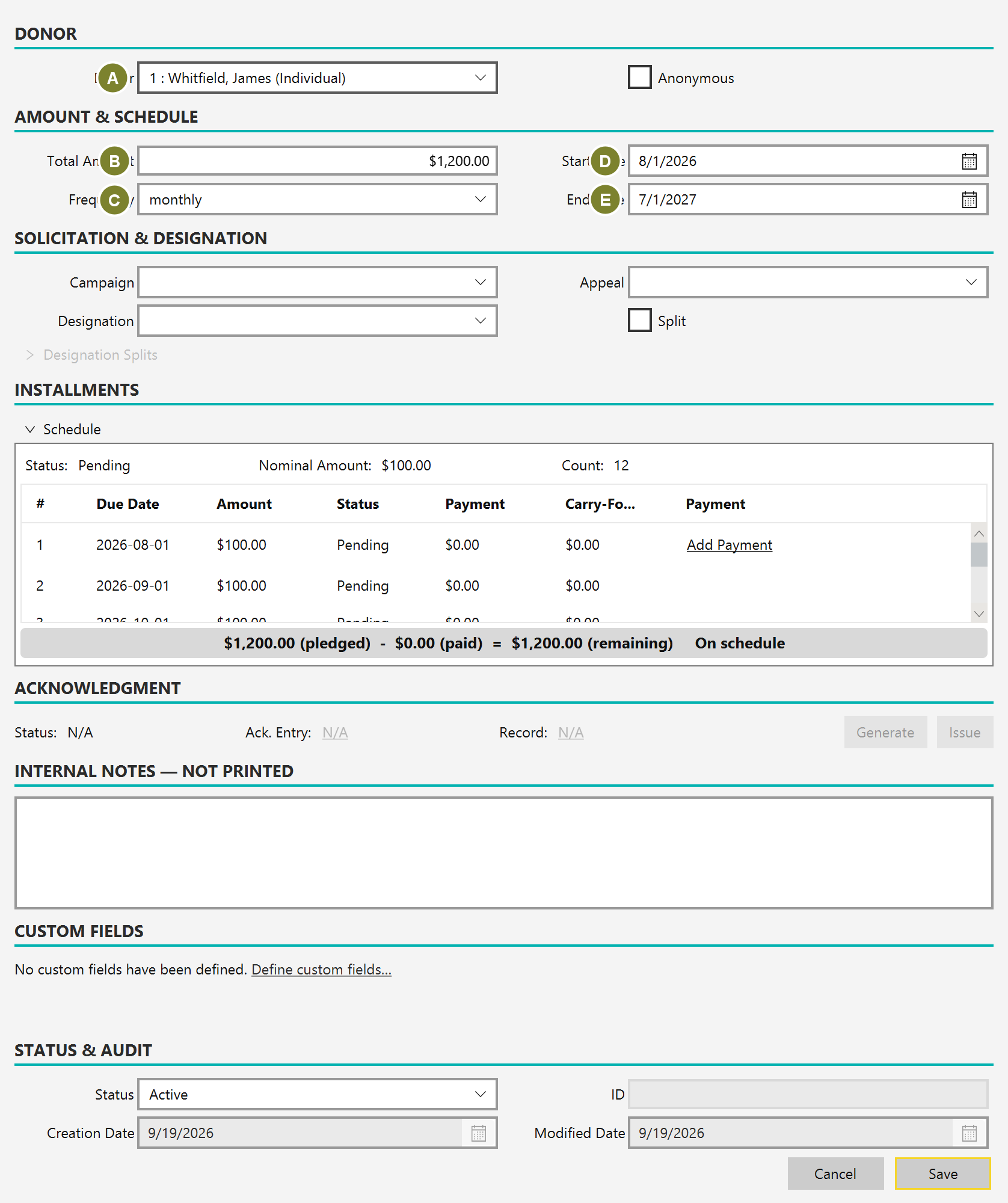
| Field | Notes |
|---|---|
| Donor (A) | Who made the promise |
| Total Amount (B) | The whole commitment, not the installment |
| Frequency (C) | one-time, monthly, quarterly or annual |
| Start Date (D) / End Date (E) | The window the payments fall in |
Enter the total. Mich divides it across the schedule; you do not work out the installment yourself.
Set the designation, campaign and appeal exactly as for a donation, then save.
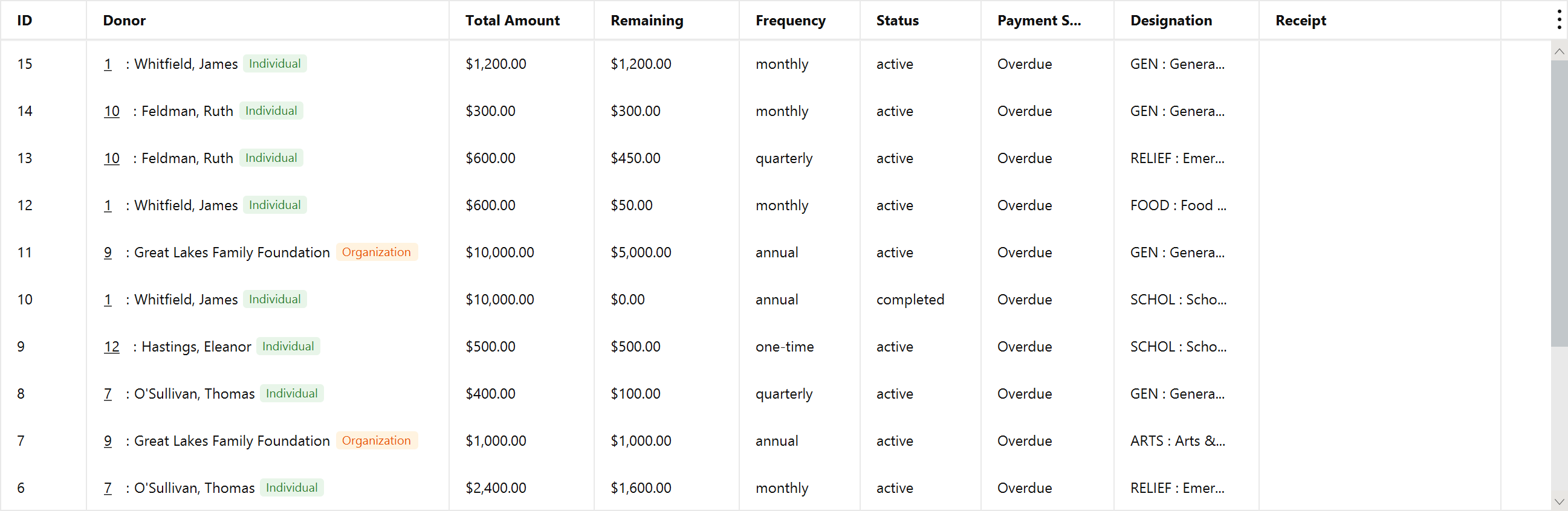
The list carries both the pledged total and what remains, so the outstanding balance is visible without opening anything.