
Getting started · Step 3 of 5
Enter the details that appear on every receipt and letter Mich generates.
Your organization's name and address are merged into every receipt, acknowledgment and letter. Fill them in before you generate any document, or you will be reissuing them.
Go to Settings. The Organization tab opens first.
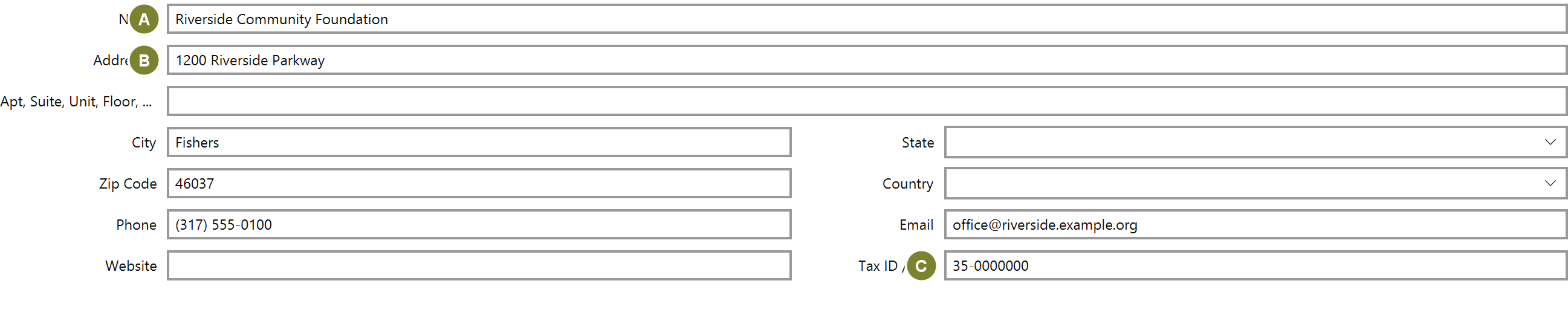
Name (A) and the address (B) are what appear on documents. Tax ID / EIN (C) matters if your receipts need to carry it. Check what your jurisdiction requires and ask your accountant if you are unsure: Mich prints what you give it, and does not advise on what a receipt must say.

Click Save. The matching step on the home checklist ticks itself off.