
Events · Step 5 of 5
See events laid out in time, and create one by clicking a day.
The Calendar tab of the Events view shows the same events arranged in time rather than as a list.

Switch between Day, Week, Month and Year. Today returns to the current date, and the arrows step backwards and forwards.
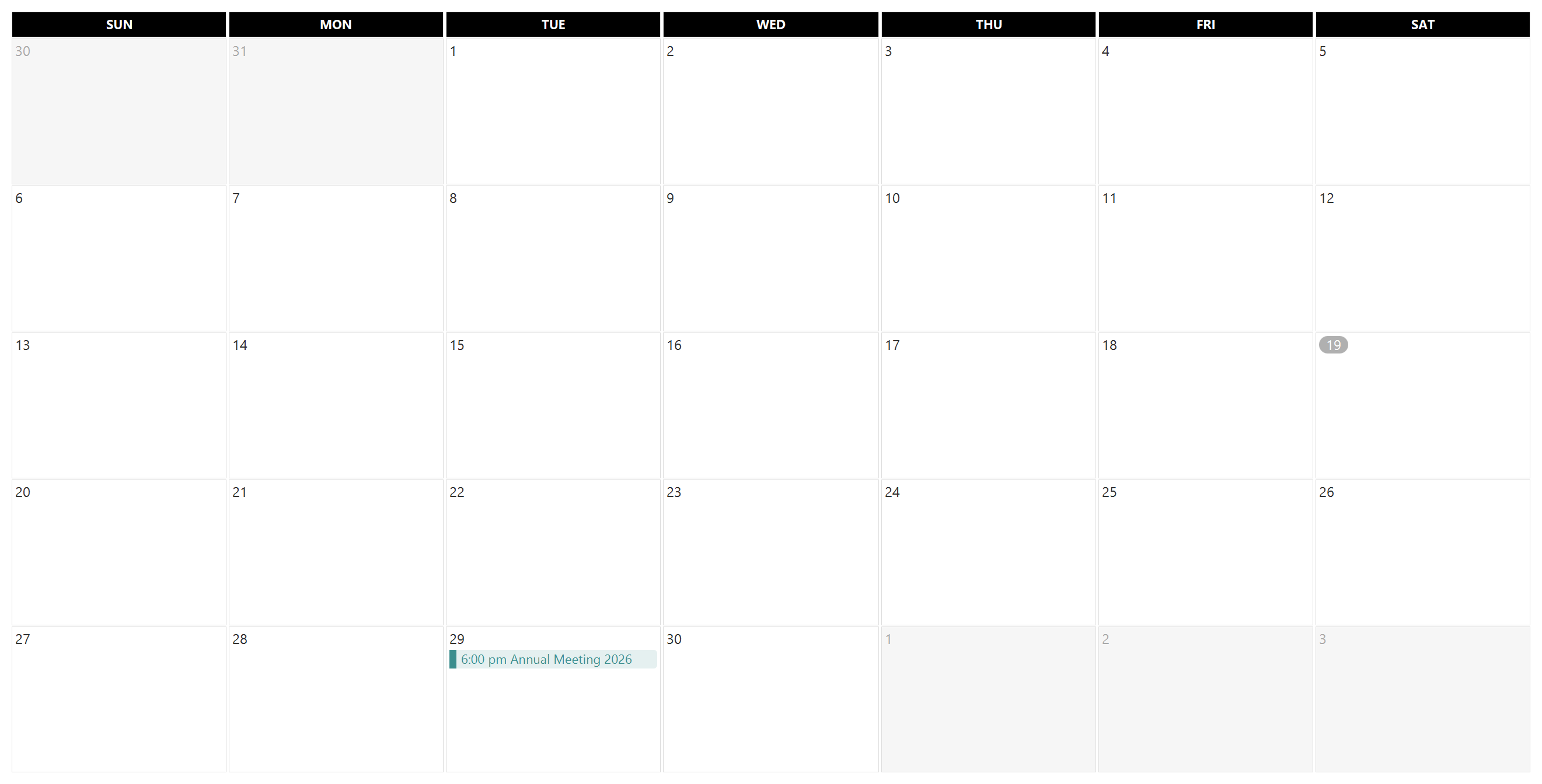
Events are drawn in the color set on the event, which is what makes a busy month readable at a glance.
Which day the week starts on follows the setting on Settings - Organization.
The Events list toolbar carries Import and Export for .ics calendar files, the format Outlook, Apple Calendar and Google Calendar all read. Exported events can be opened in whatever calendar your team already uses.