
Events · Step 4 of 5
Record who actually arrived, how many came with them, and anyone who was not invited.
RSVPs are what people said they would do. Check-in is what actually happened, and the two are rarely the same.
Select the event and click Check-In.
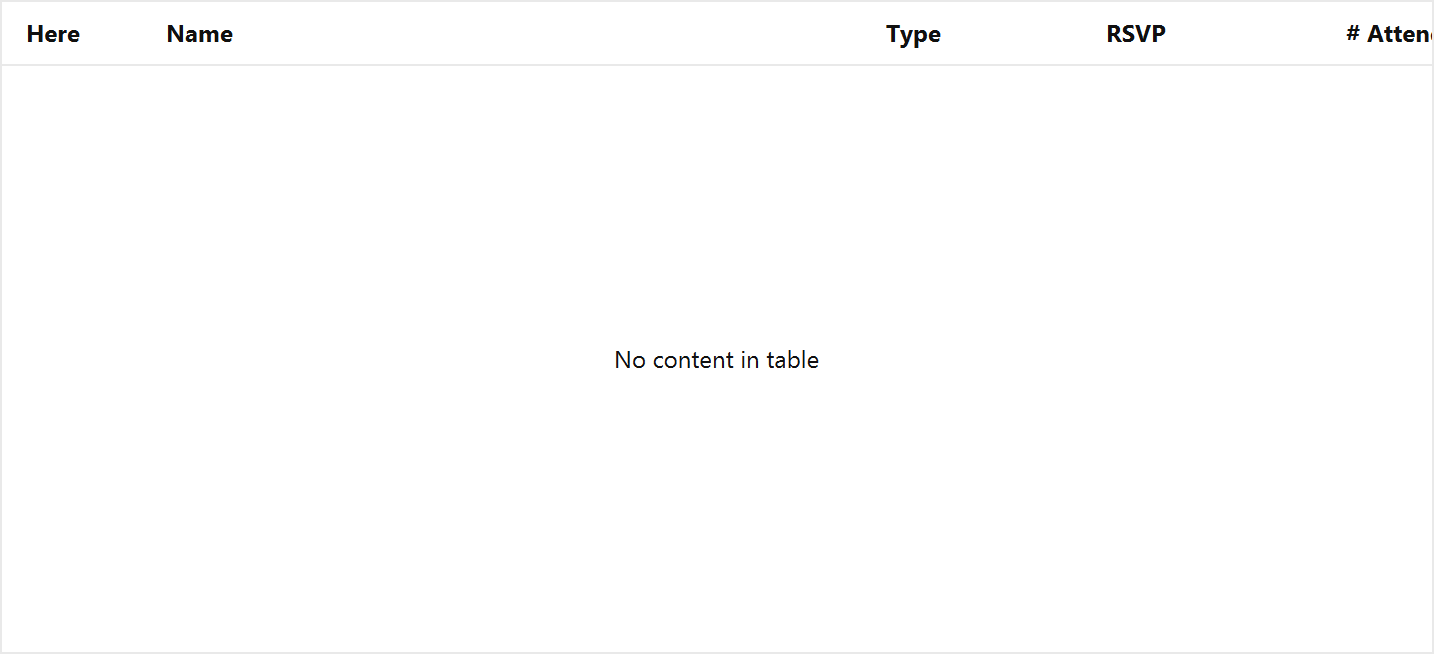
Mark each donor as they arrive, and record the head count in their party. Recording the count separately from the RSVP is what lets you compare expected against actual afterwards.

Add Walk-In records someone who turned up without an invitation. They are still a real attendee and still belong in the count.

For a public event, naming everyone is neither possible nor useful. The Anonymous counter records extra heads without inventing donor records for them, so your total attendance is right without your donor database filling with people you know nothing about.
Two reports cover the results: Event Donor Attendance gives a row per donor with RSVP and whether they came; Event Total Attendance gives a row per event with counts by RSVP status and a total.