
Click Add.
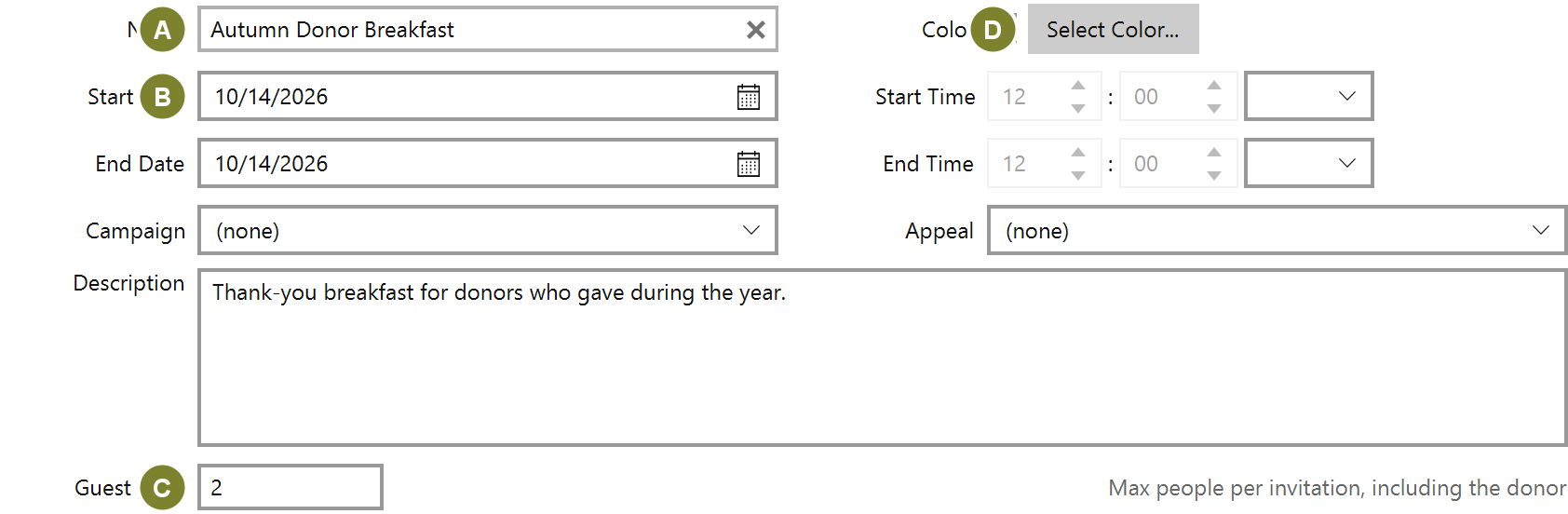
| Field | Notes |
|---|---|
| Name (A) | What the event is called |
| Start Date (B) / Start Time | When it happens |
| Guest Limit (C) | Maximum people per invitation, including the donor |
| Color (D) | How the event is drawn on the calendar |
| Campaign / Appeal | Attribution, if the event is part of a drive |
Guest Limit is worth setting deliberately. It is what stops an RSVP from claiming more seats than you have.
Fill in Address 1 (A) and City (B), then the state and postcode.

The location is printed on invitations, so it is worth getting right even for a regular event at your own office.
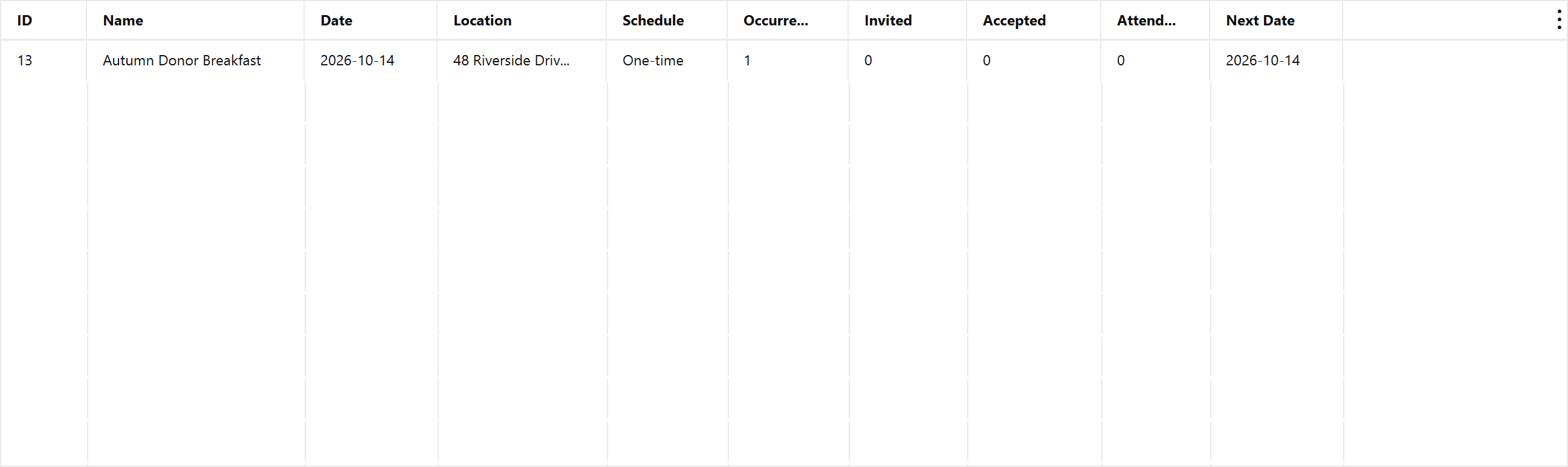
The list carries invitation and attendance counts, so you can see how an event is filling without opening it.