
Data safety · Step 2 of 4
Replace the live database with a backup, and understand what that does before you do it.
Restoring replaces your current database with an earlier copy. Everything recorded since that backup was taken is gone. Read this before using it.
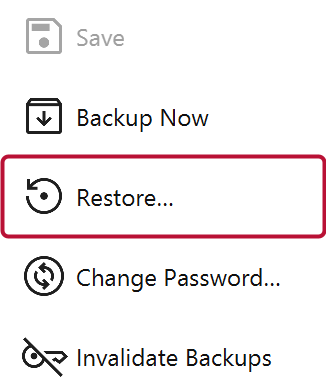
Restore asks for a backup file, then replaces the live database and closes Mich. You reopen it against the restored data.
Restore is the most destructive action in the product, and it is built accordingly:
Invalidate Older Backups marks existing backups as no longer restorable. Use it after a password change if older copies may be compromised: rotating the password does not re-encrypt copies already made, so this is what stops an old one being restored to get around the new password.
Mich refuses to restore a backup older than that mark, unless you deliberately override it, and the override is audited.