
Data safety · Step 3 of 4
Rotate the password that encrypts your database, and deal with existing backups.
Your master password encrypts the database. Changing it re-encrypts the file.
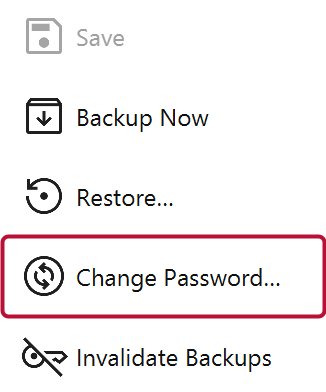
Settings - Database - Change Password. You are asked for the current password and the new one.
The password is never stored anywhere: not in the file, not in a setting, not on a server. There is no recovery, no reset, and nobody to ask. If it is lost, the database and every backup are unreadable permanently.
Write the new one down somewhere safe before you change it.
Backups keep the encryption they were made with, so after a change they still need the old password. Mich offers three ways to handle that:
| Option | Result |
|---|---|
| Re-encrypt | Existing backups are rewritten with the new password |
| Move aside | They are moved to a superseded folder, still readable with the old password |
| Leave | Nothing changes; they keep needing the old password |
Copies already moved off this machine cannot be protected either way. If that matters, see Restore from a backup and Invalidate Older Backups.
The live database is never re-encrypted in place. Mich copies it, re-keys the copy, verifies it, and swaps it in only on success. A failed change, including a wrong current password, leaves the original completely untouched.