
Customization · Step 3 of 4
Decide which fields must be filled, and enforce your own data standard.
Mich enforces the fields it genuinely cannot work without. Everything beyond that is your call.
Go to Settings, then Data Entry.
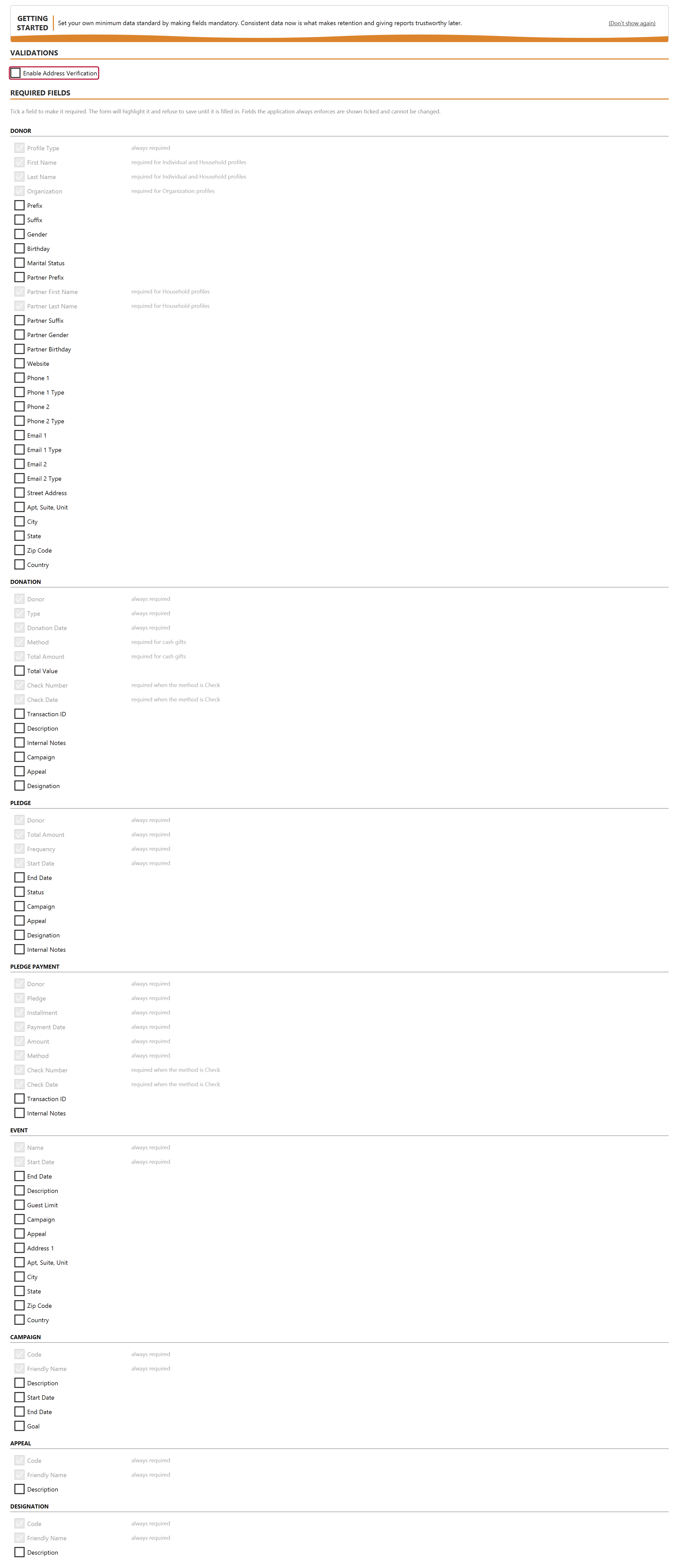
With verification on, Mich checks addresses as they are entered and asks before saving one it cannot match. It asks rather than blocks: real addresses are not always in a lookup service.
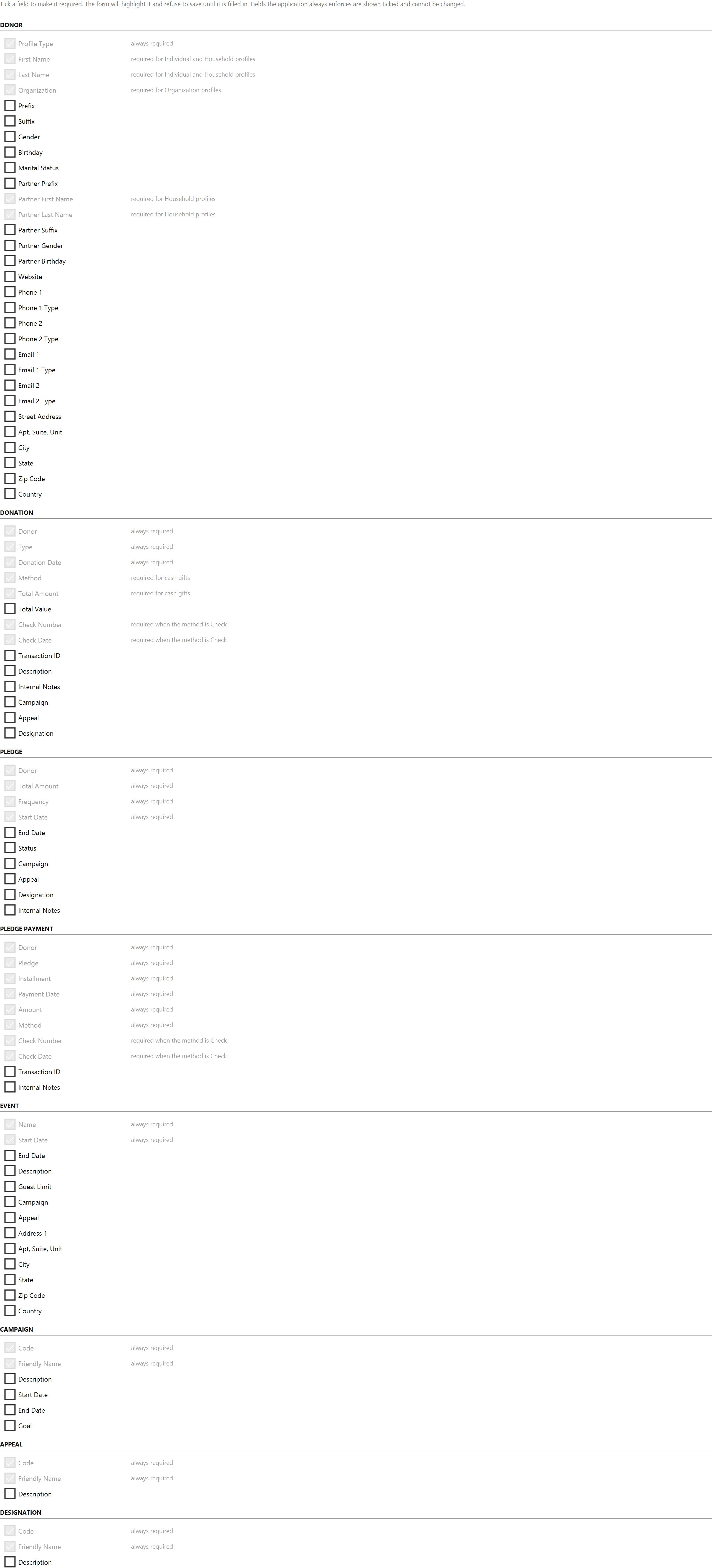
Tick a field and it must be filled before that record type will save.
This is the least interesting screen in Mich and one of the most consequential. Retention rates, lapsed-donor counts and average gift are only as good as the data behind them. A database where half the donors have no gift date, or where gifts have no designation, produces numbers that look authoritative and are not.
Decide your minimum standard once, set it here, and the software holds everyone to it.