
Customization · Step 4 of 4
Show, hide and reorder the home page so it matches how you work.
The home page has 22 sections and 24 metric cards. Nobody needs all of them. Every one can be shown, hidden or moved, and the arrangement persists.

The menu button at the top right lists every section with a tick box. Untick what you do not use.
Each section also has its own menu, for finer control within it.
Drag a section by its handle to move it. The order is saved, so the page opens the way you left it.
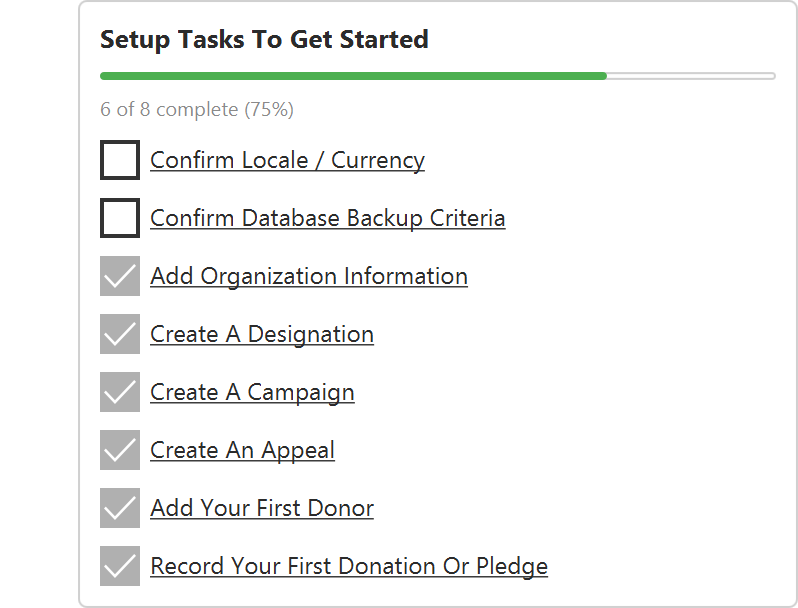
The Setup card sits first on a new installation, since that is what a new user needs. Once you have finished with it, hide it or drag it down.
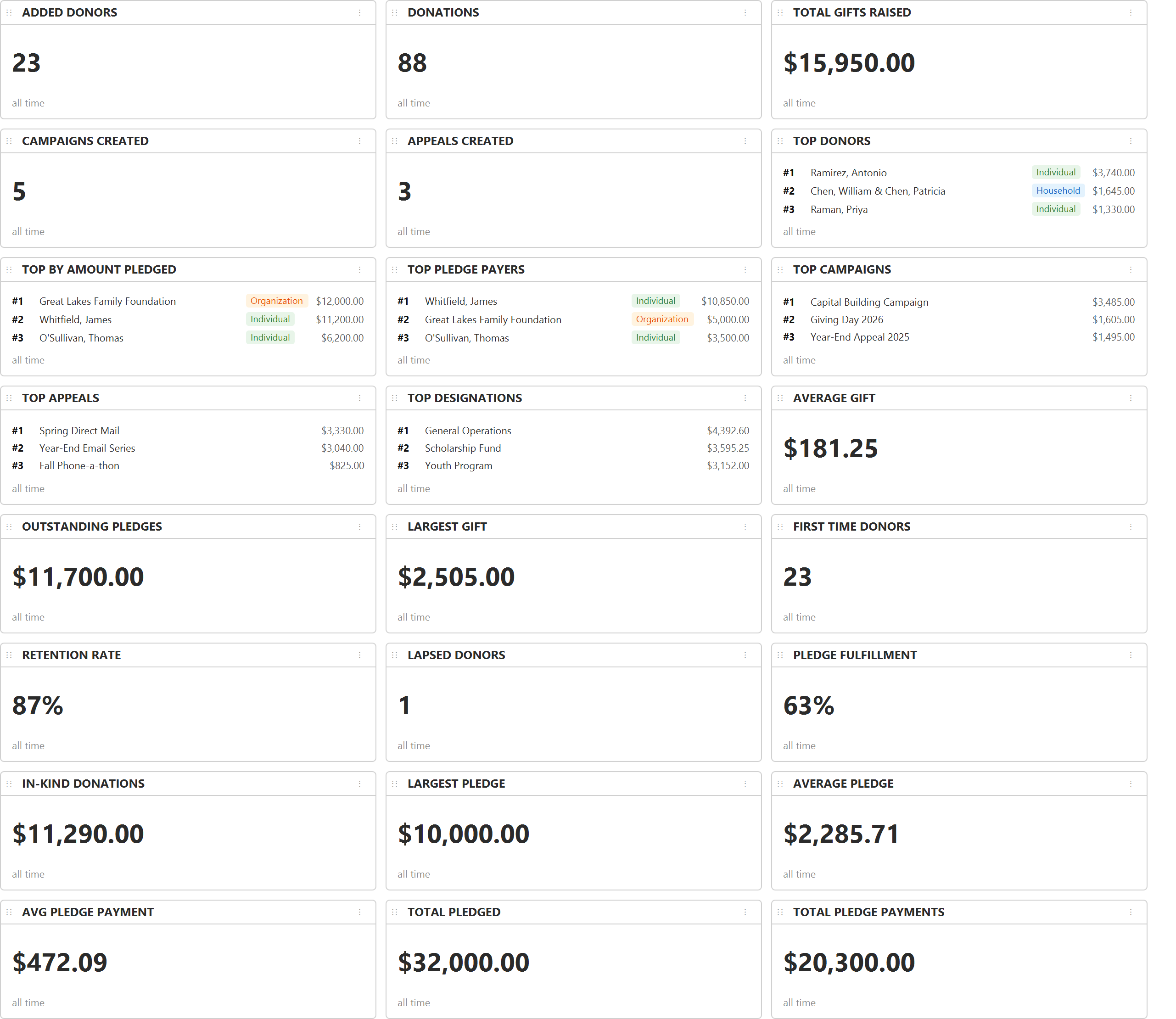
The Quick Stats row holds 24 cards, individually show-and-hideable. Several carry an all-time, year, quarter and month toggle.
Four are worth keeping even if you hide the rest: Retention Rate, Lapsed Donors, First Time Donors and Average Gift. Total raised is the number everyone looks at and the least informative one; those four tell you whether the program is actually healthy.